
beginner
Jump to Last Pane with Keybinding
Add a keyboard shortcut to focus the rightmost pane instantly
#panes
#keybindings
#navigation
Discover practical tips, shortcuts, and techniques to master the Zed editor
83 tips found
Add a keyboard shortcut to focus the rightmost pane instantly
Add line breaks in search queries using keyboard shortcut on macOS
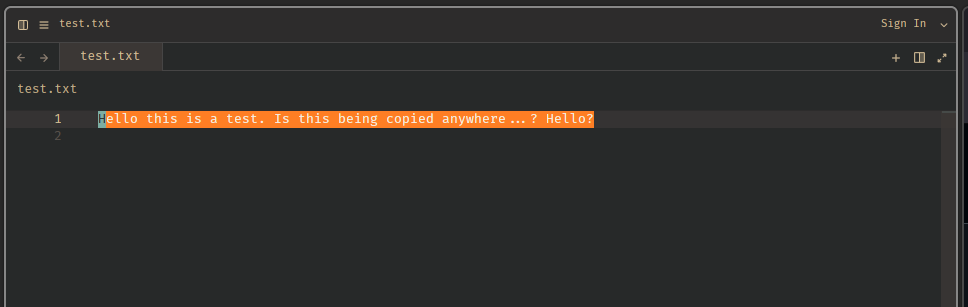
Set a custom background color for vim yank highlighting in your theme
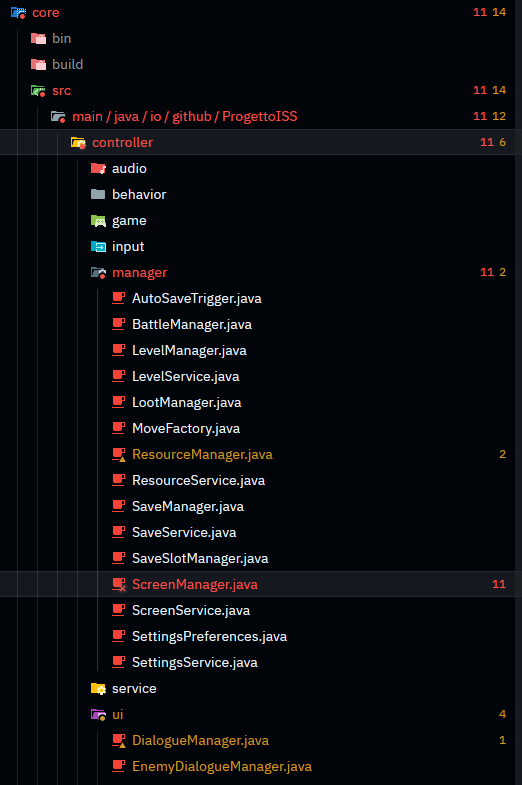
Display diagnostic badges next to files showing error and warning counts
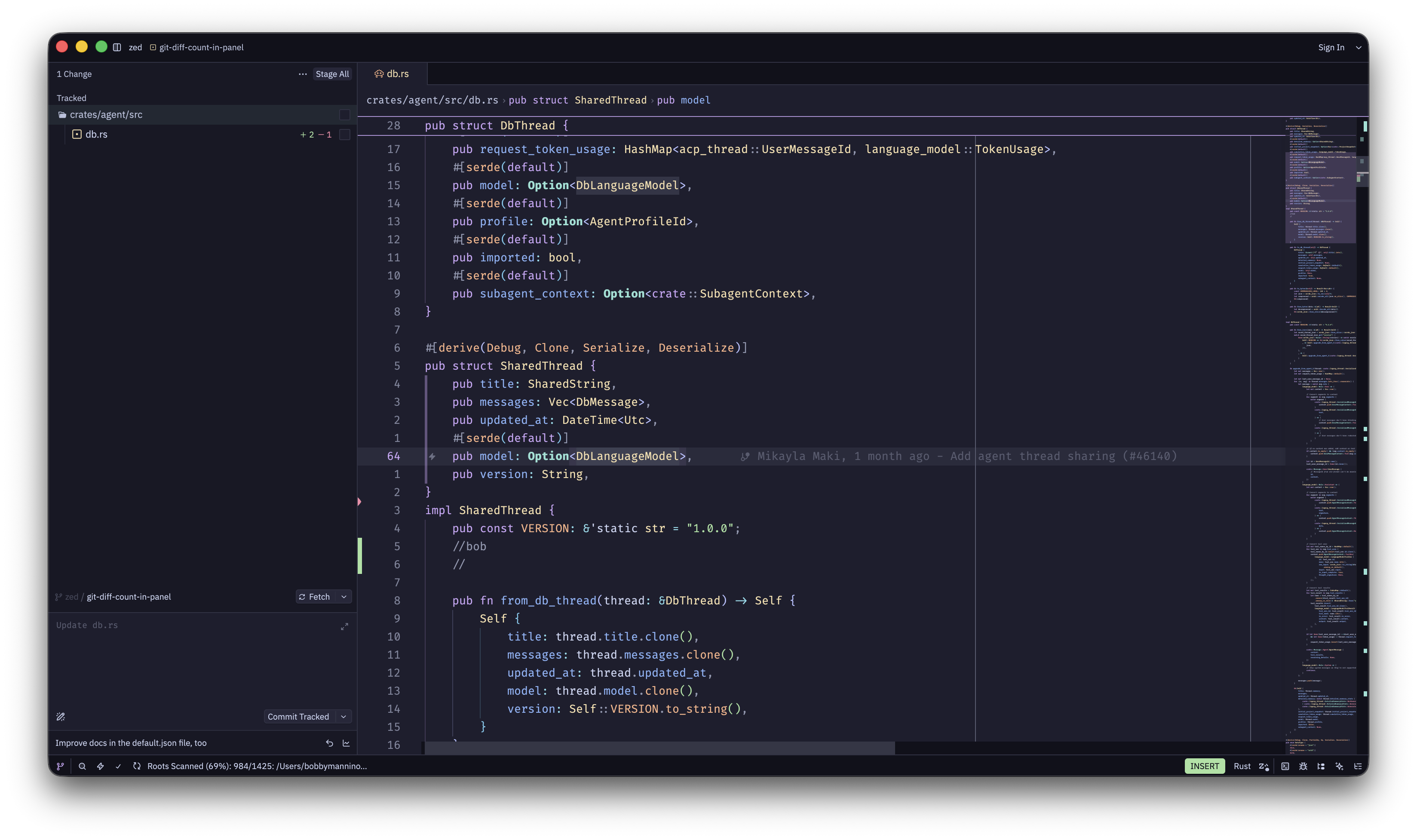
View file-level diff statistics showing lines added and removed
Open files directly from agent-shown diffs with Option-Enter
All built-in agents are now removable via the ACP Registry
Agent can now spawn parallel subagents for better context management and concurrent work
Remove cell outputs to declutter notebooks or start fresh
Run Jupyter kernels on remote machines or WSL environments
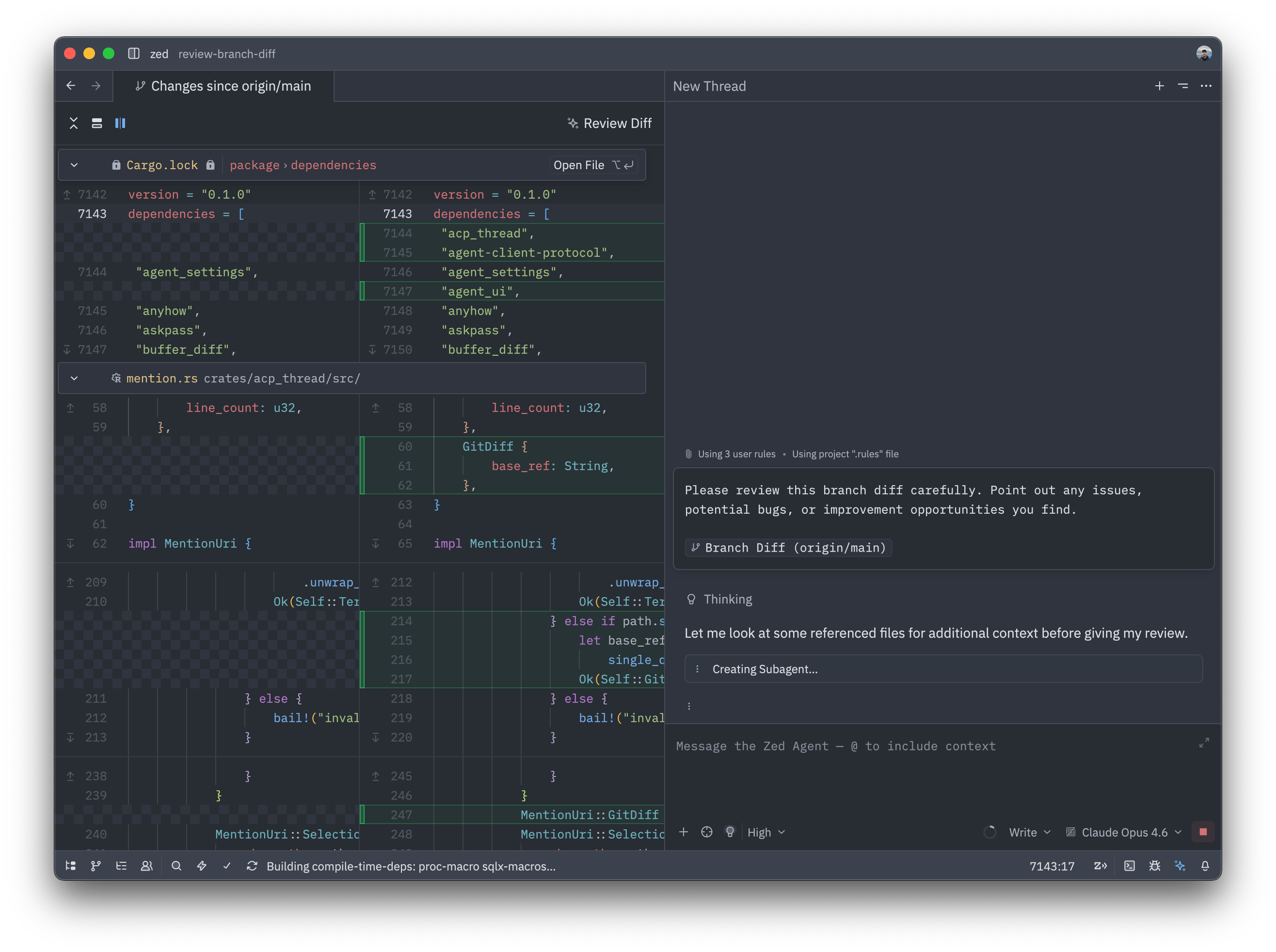
Send entire git diffs to your AI agent for automated code review
Paste multiple lines to multiple cursors with automatic line-to-cursor mapping
Recover agent edits if you accidentally reject all changes
Connect to multiple AI models through Vercel's unified AI Gateway
Your AI conversations now persist across Zed sessions automatically
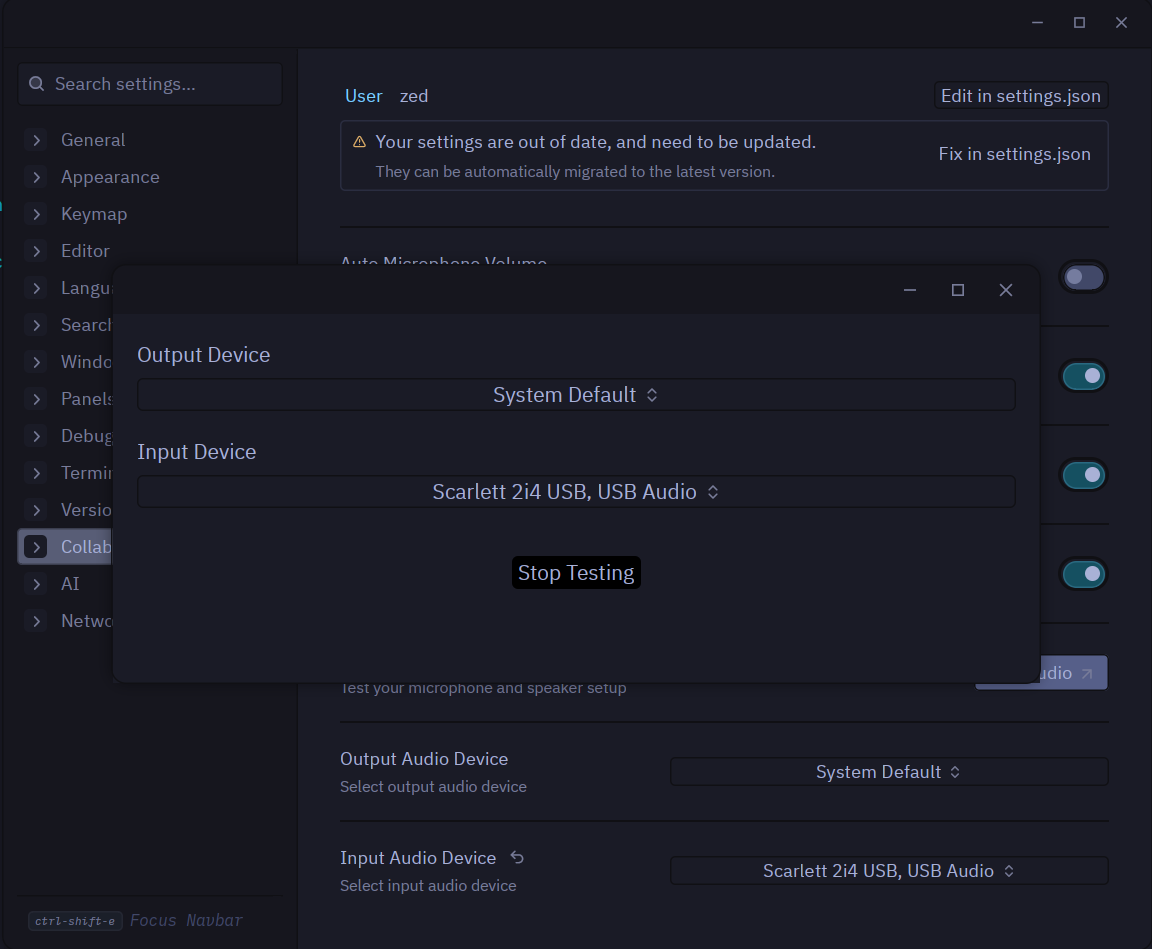
Choose specific microphones and speakers for Zed's built-in collaboration
Turn any folder into a Git repository directly from the Git panel
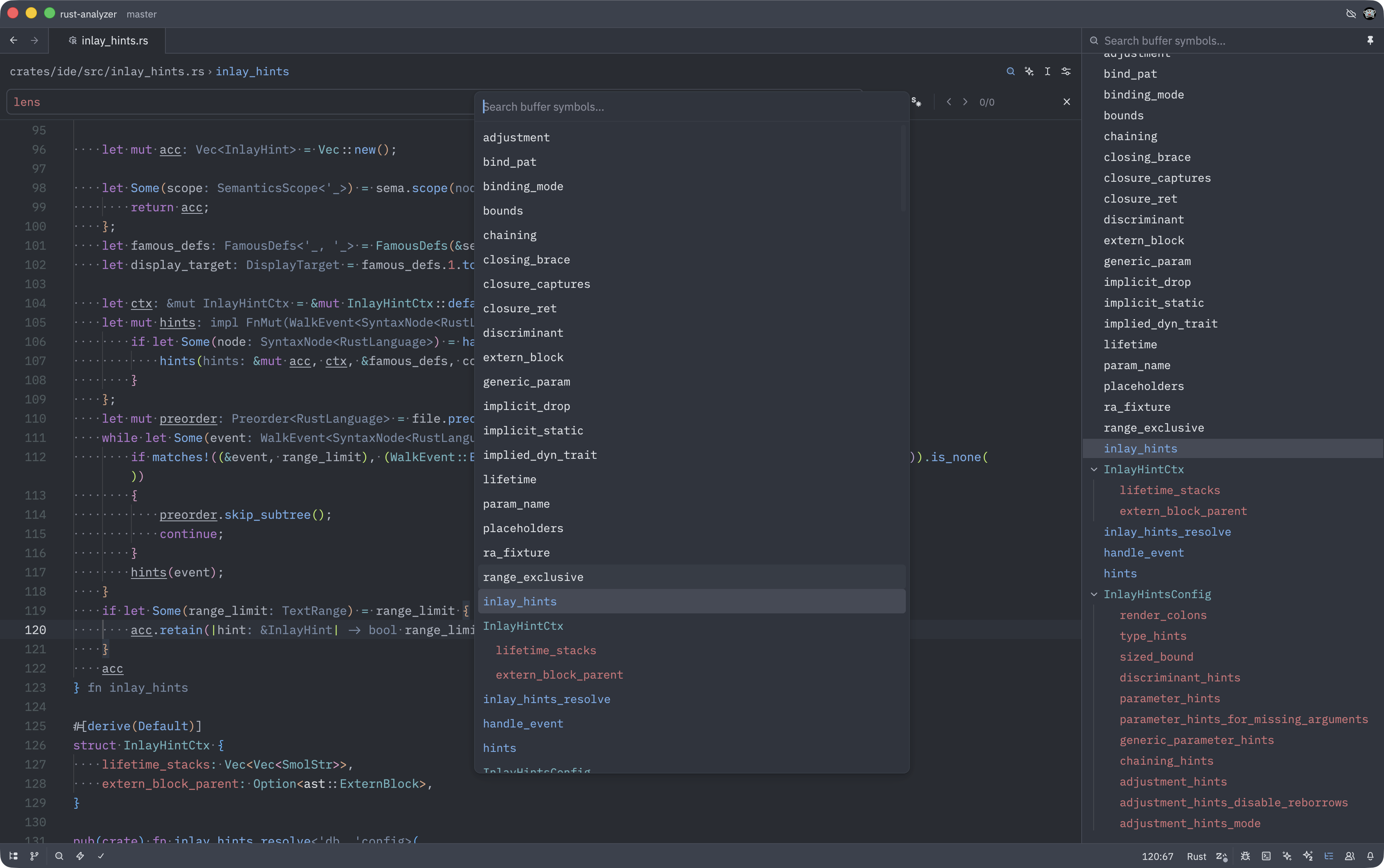
Switch from tree-sitter to LSP for more accurate code navigation
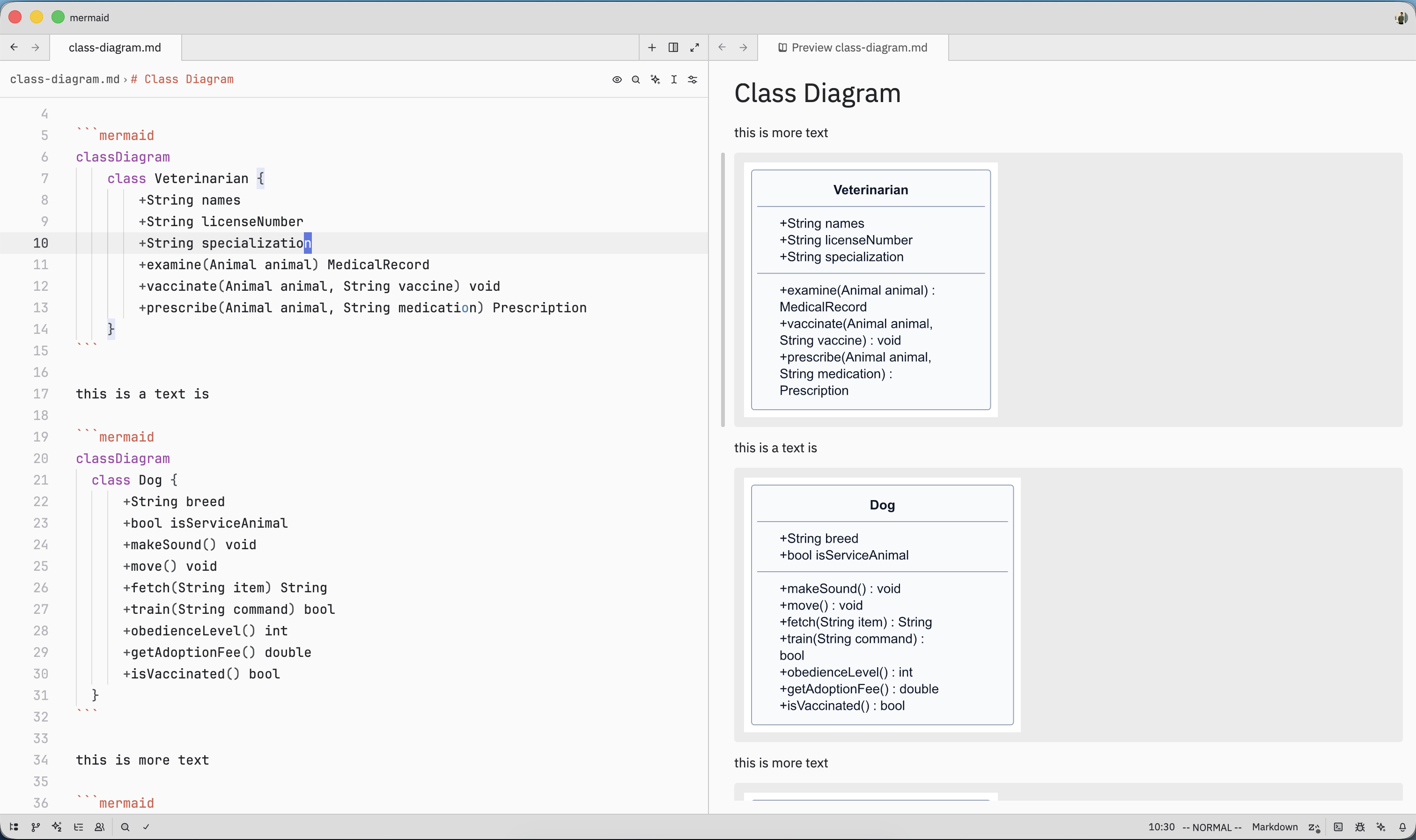
Visualize flowcharts, sequences, and diagrams directly in your markdown files
Keep diff controls accessible even when viewing large changes
Adjust how deeply your AI agent reasons through complex problems
New toggle commands for every panel make custom keybindings easier
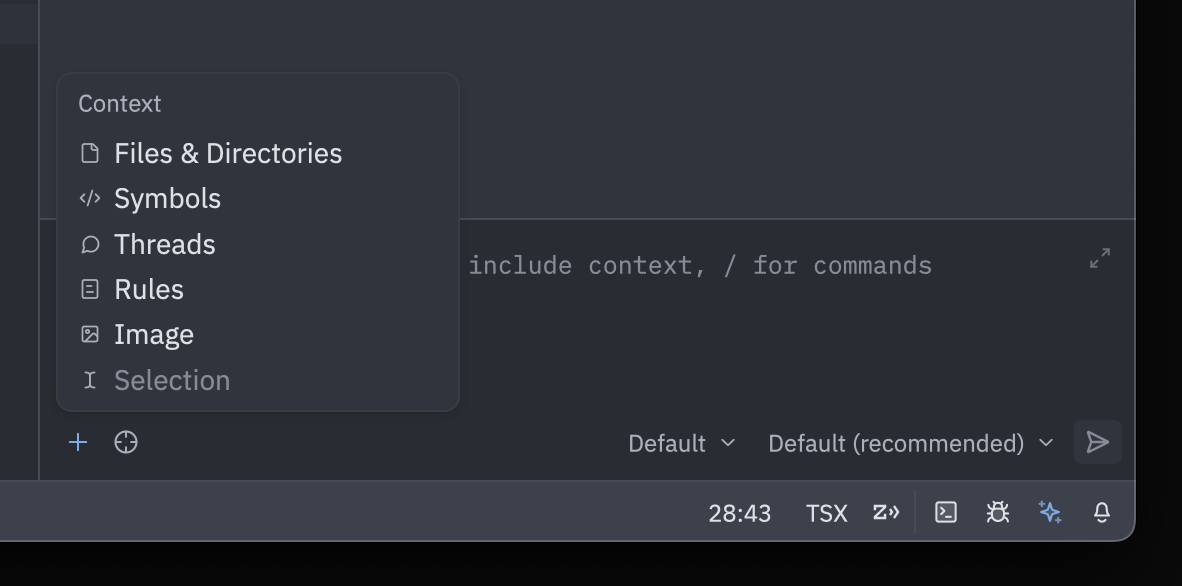
Add context to agent with mouse-friendly dropdown menu
Unsaved files in empty workspaces now restore on startup
Navigate large images with scroll-wheel zoom and click-drag panning
Fix garbled text by selecting the correct encoding from status bar
Select to syntax node boundaries for precise code selection
Organize terminals by renaming tabs via right-click or double-click
Make /g the default for substitute commands with vim.gdefault
Jump to lines relative to cursor position with +/- syntax
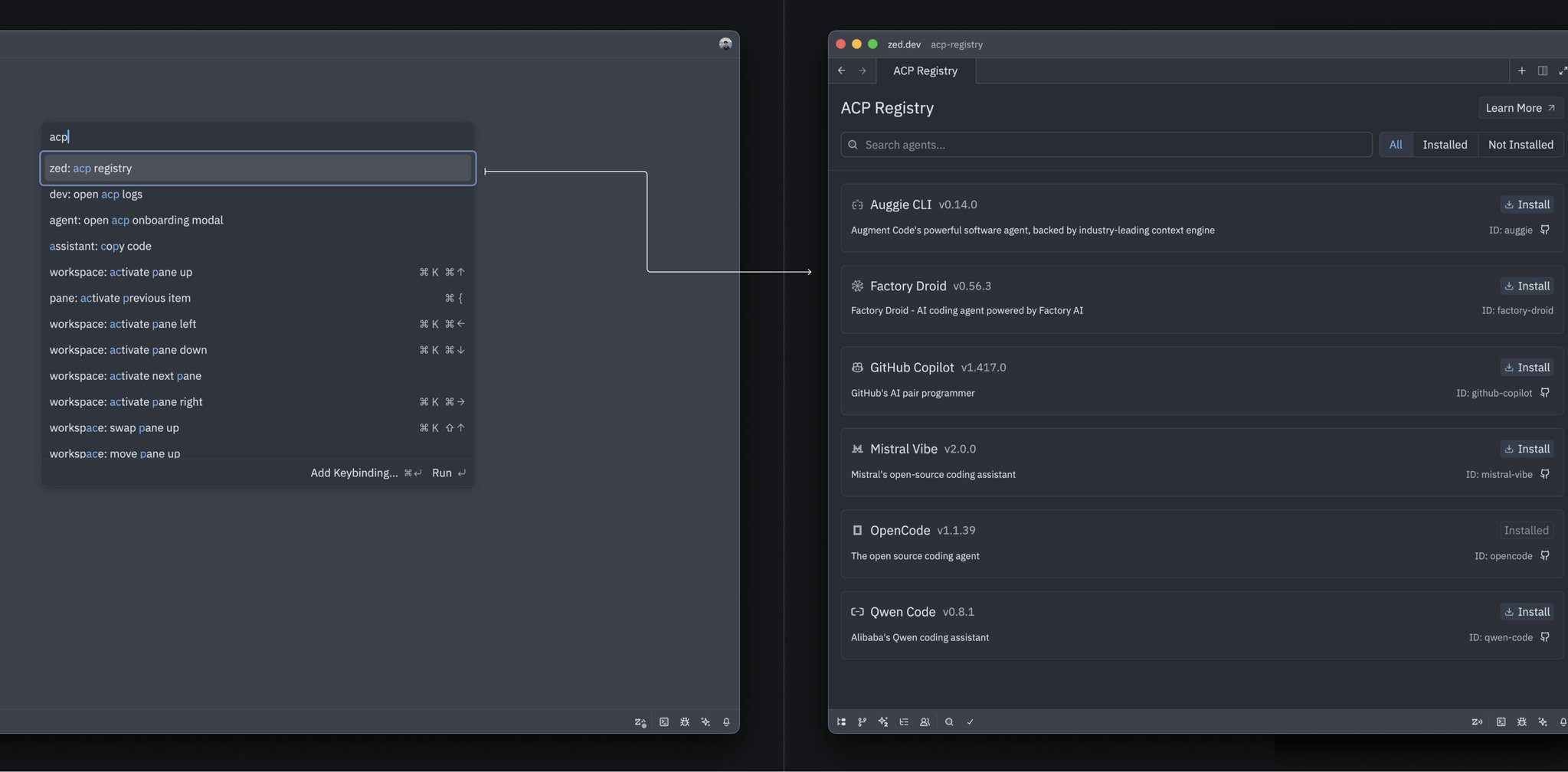
Discover and install specialized agents directly from Zed's Agent Registry
Modify your queued prompts on the fly with Cmd+E
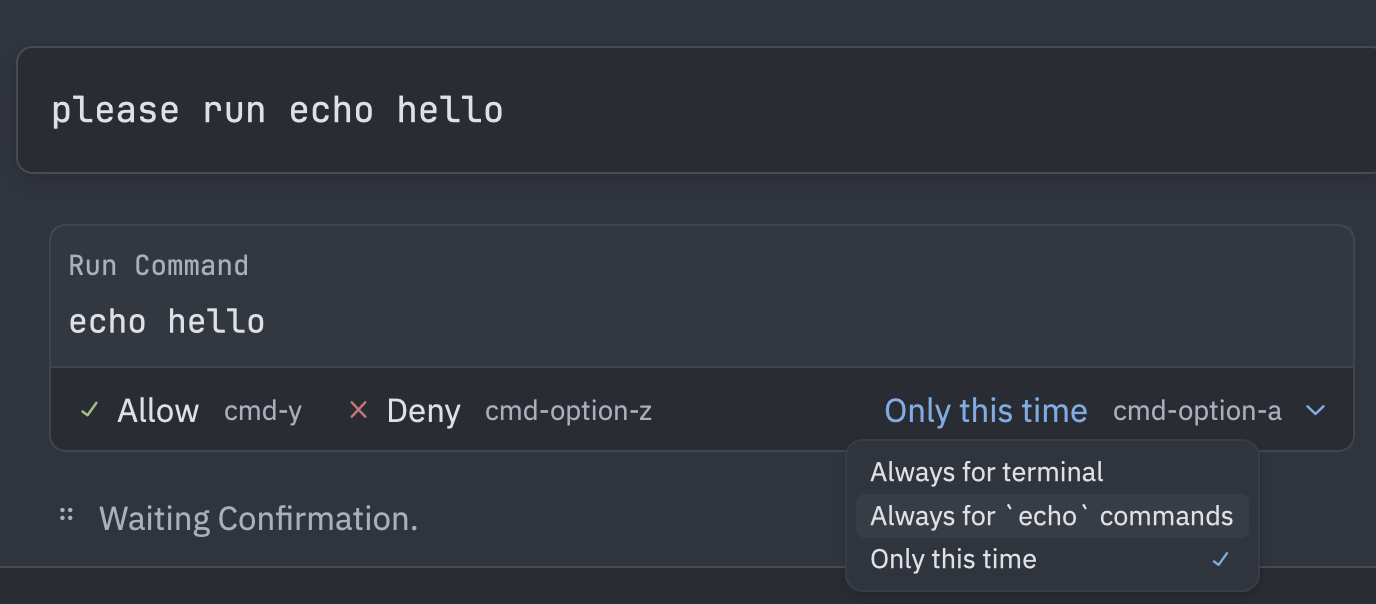
Control what the AI agent can do with per-tool permission rules
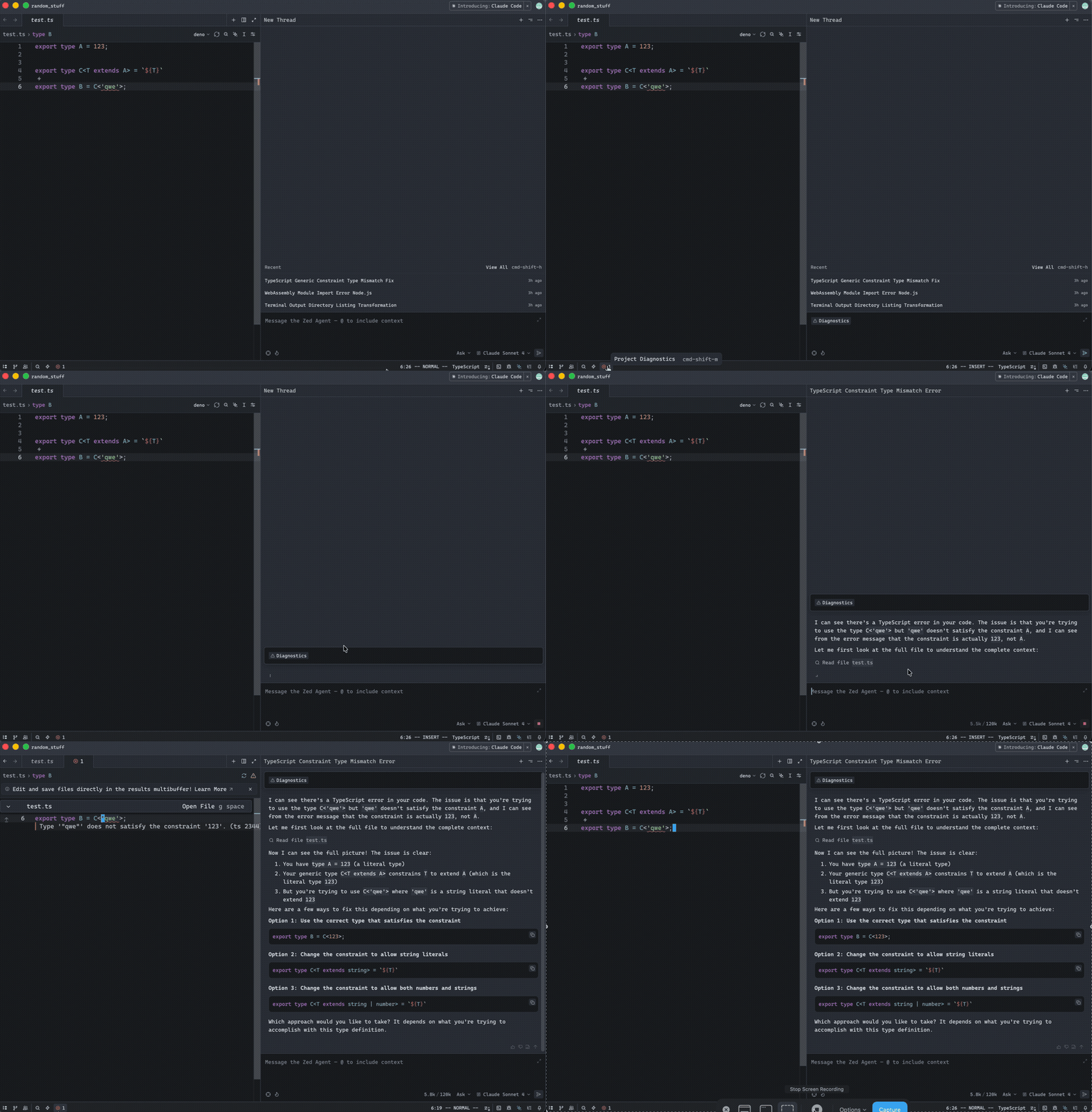
Feed LSP diagnostics directly into your agent conversations
Apply editor settings from outside your project directory
One keystroke to open and execute your custom tasks
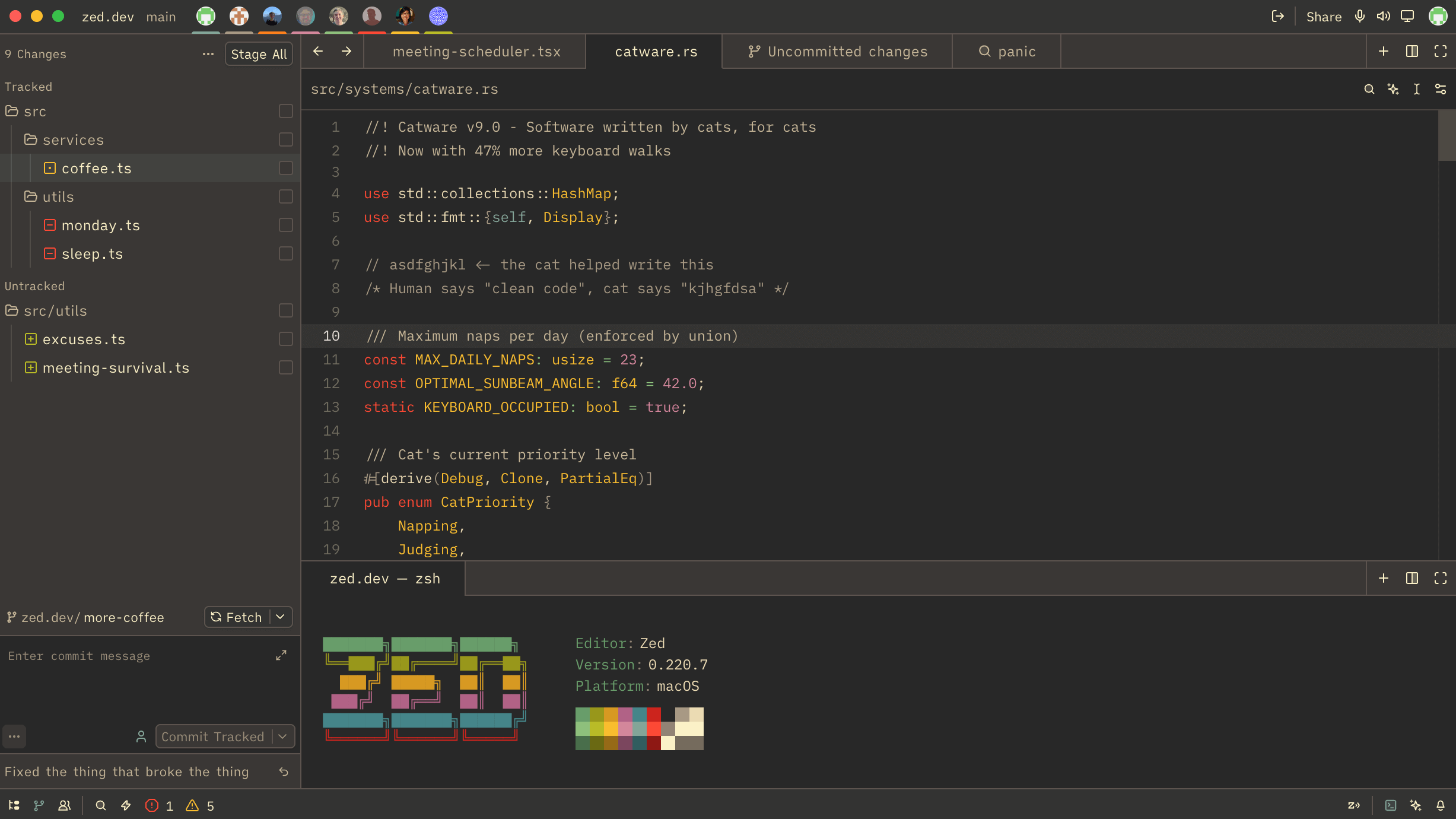
Create and customize your perfect Zed theme visually
Master keyboard-driven editing with leader keys, motions, and efficient navigation
Jump through definition history with dedicated tag navigation commands
Save files immediately on every change without any delay
Instantly add JSON tags to Go structs with a single task
Press ESC anywhere in the agent panel to stop a running thread
Track tokens, time, and turns in real-time for better AI interaction insights

See exactly how many lines the agent added or removed in each file
Access all your Git entities from one convenient picker interface
Run local build tools and scripts while working on remote projects
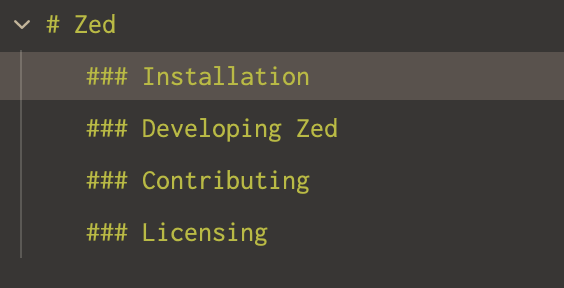
Hierarchical heading outline for better Markdown file navigation
Give your working tabs full horizontal space by separating pinned tabs
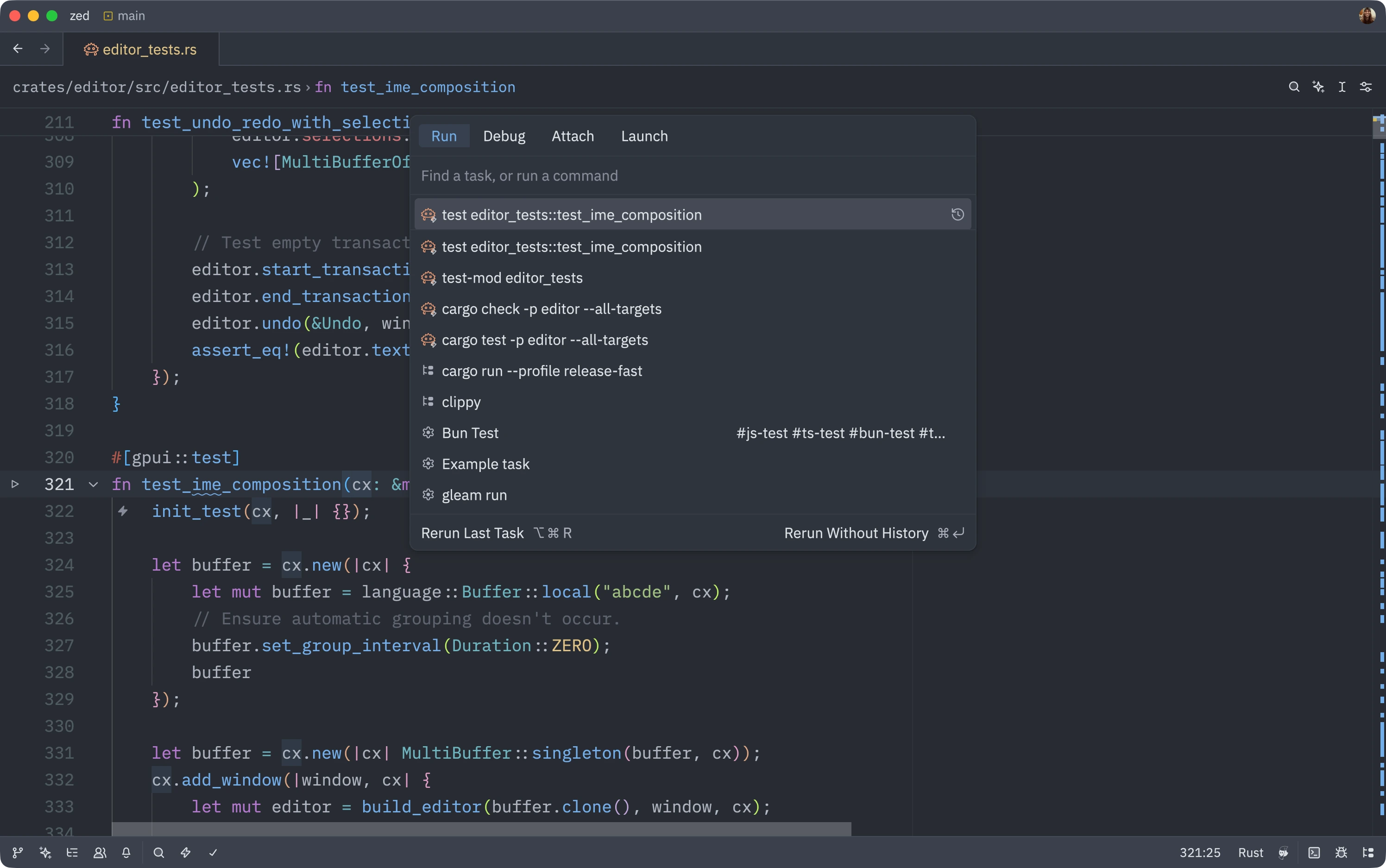
Modify task commands before running them for quick iterations
Generate commit messages that follow your team's conventions
Automatically save files when switching between editor and terminal
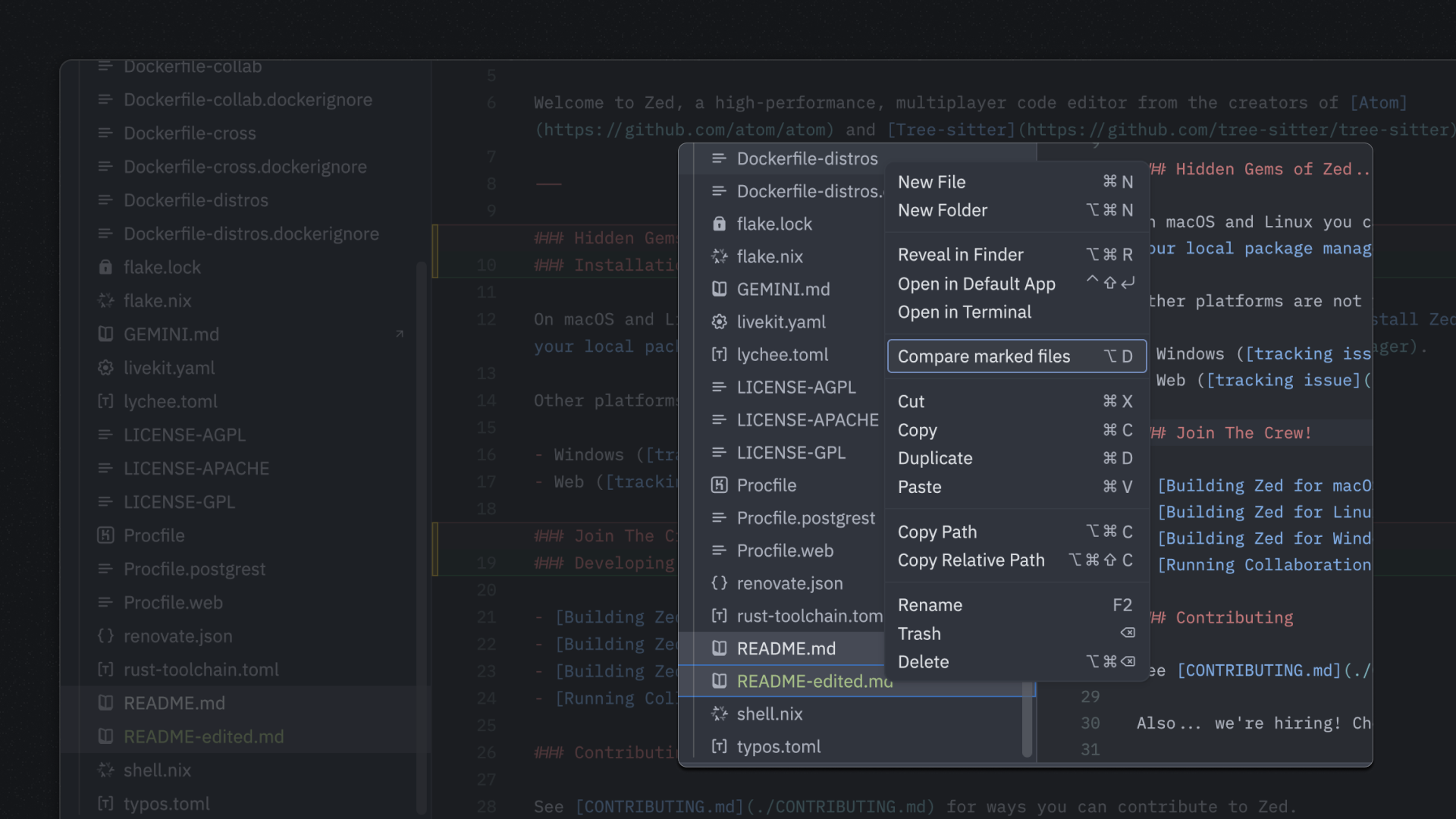
Compare two files side-by-side using the project panel context menu
Consistent development environments using DevContainer configuration
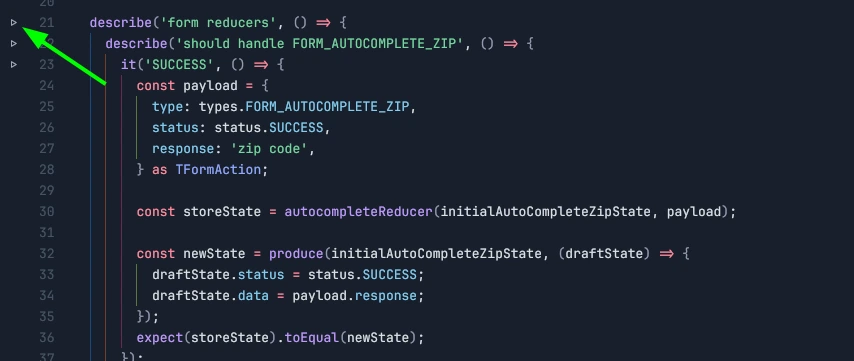
Configure test runner tasks to get inline run buttons in test files
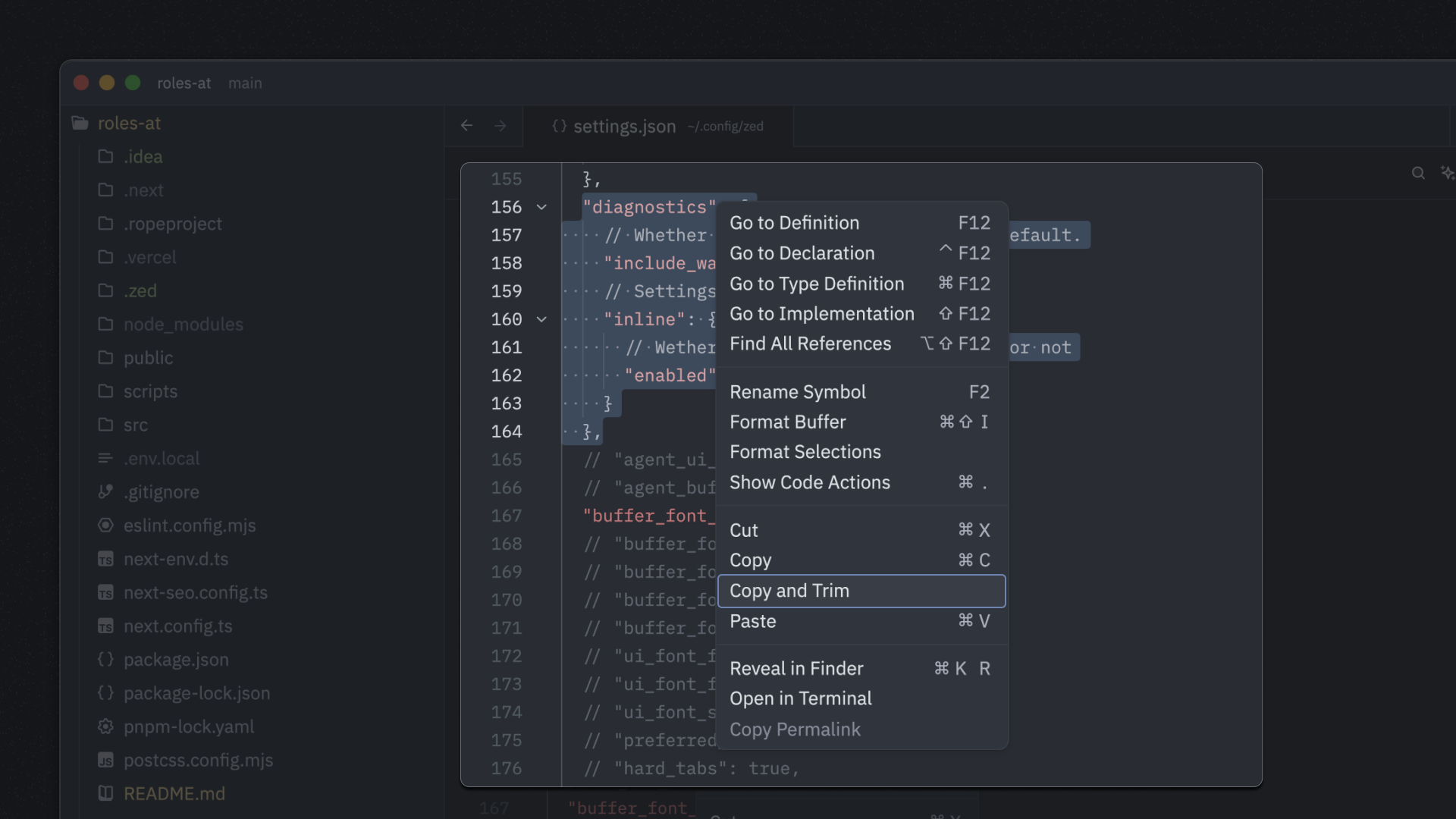
Copy selected text with leading whitespace automatically trimmed
Use trackpad pressure to jump to symbol definitions
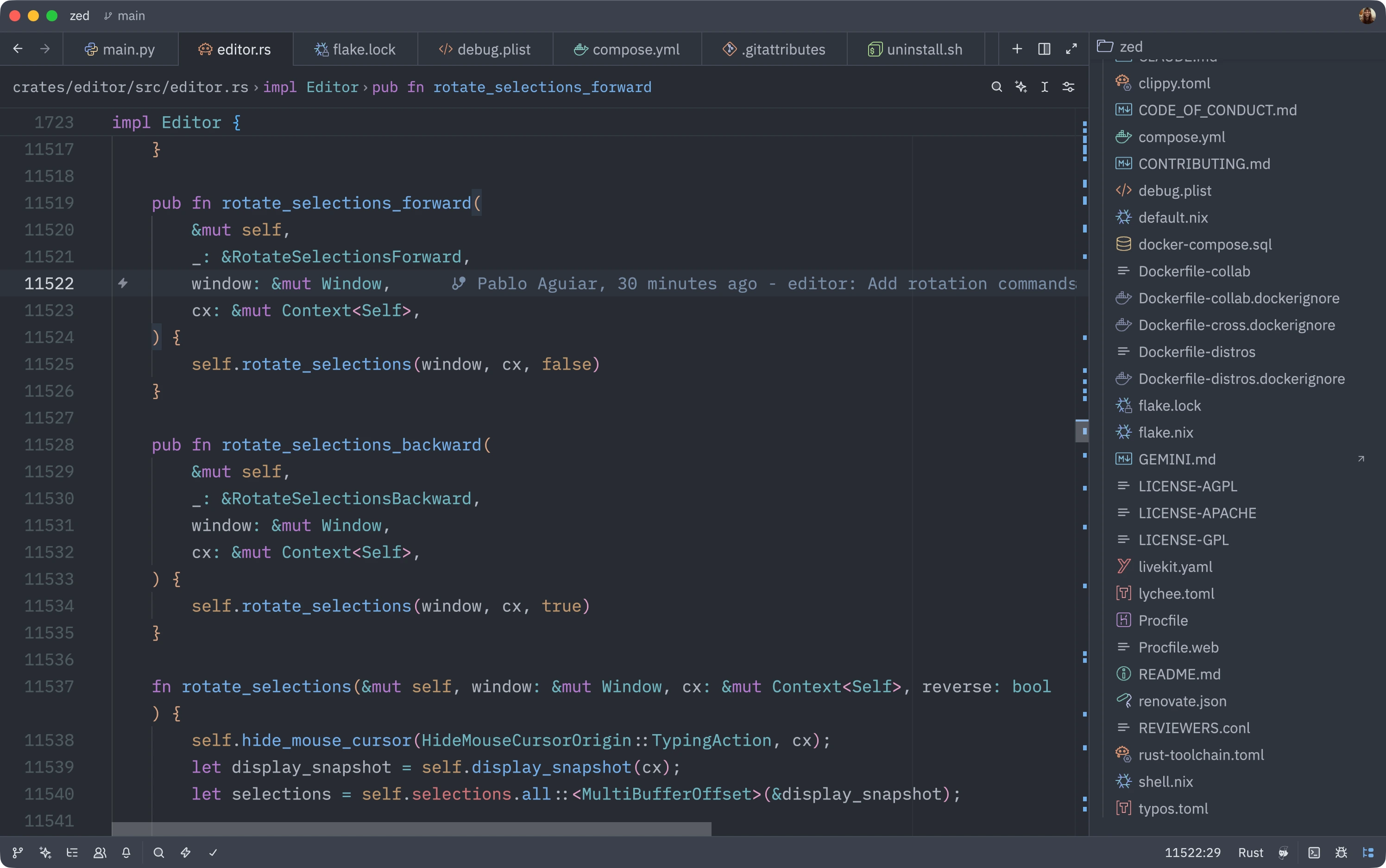
Install the Catppuccin Icons extension for vibrant, colorful file icons in your project panel
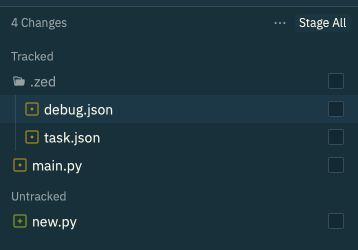
Navigate changed files in a hierarchical tree structure

Launch lazygit in Zed's terminal for a powerful Git workflow
Get syntax highlighting for custom file extensions by mapping them to known languages
Quickly split your workspace by opening files in a new pane with a modifier key
Create multiple cursors on all regex pattern matches instantly
Instantly create a cursor on every line in your selection
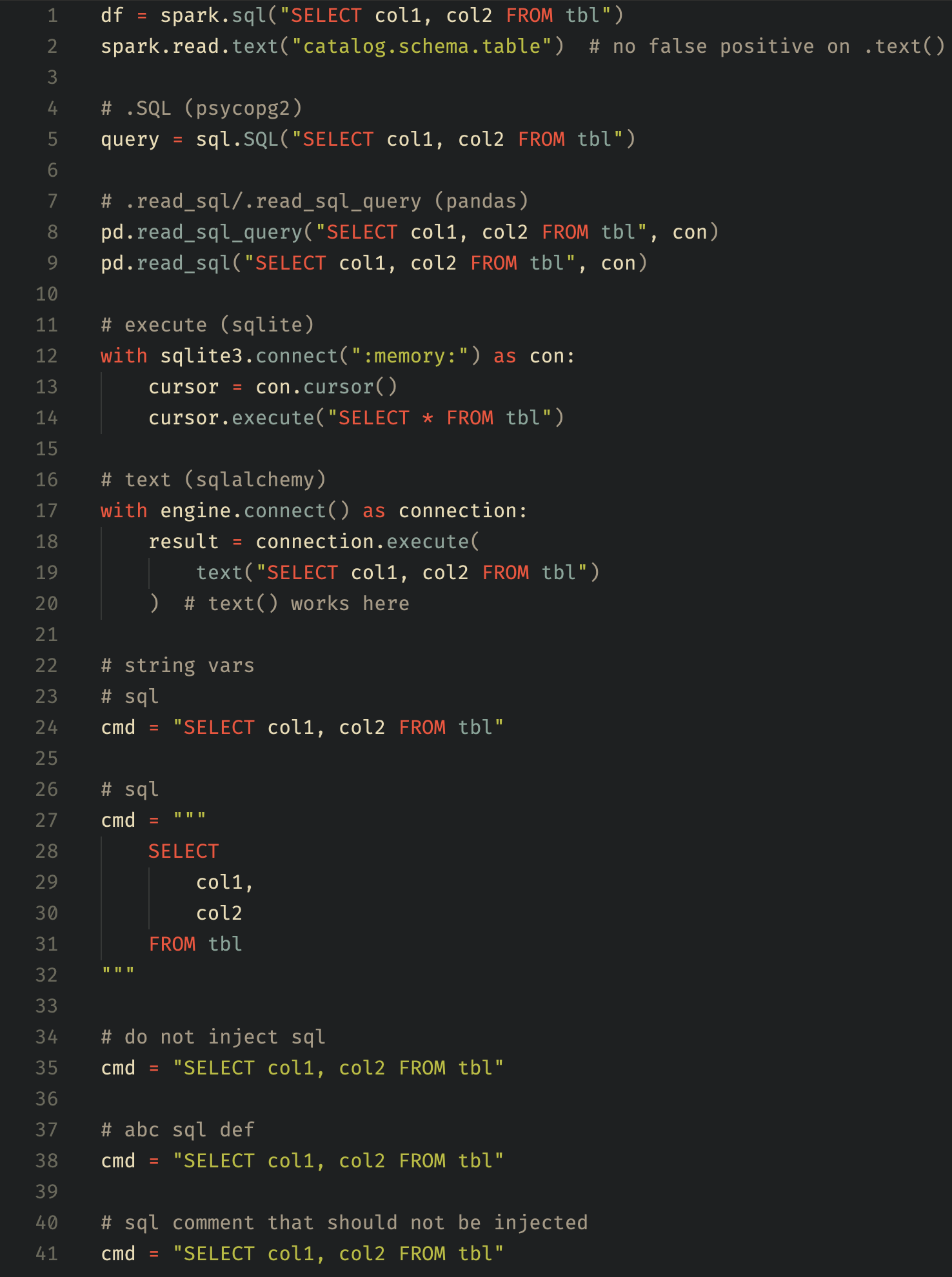
Better readability for SQL queries embedded in Python code
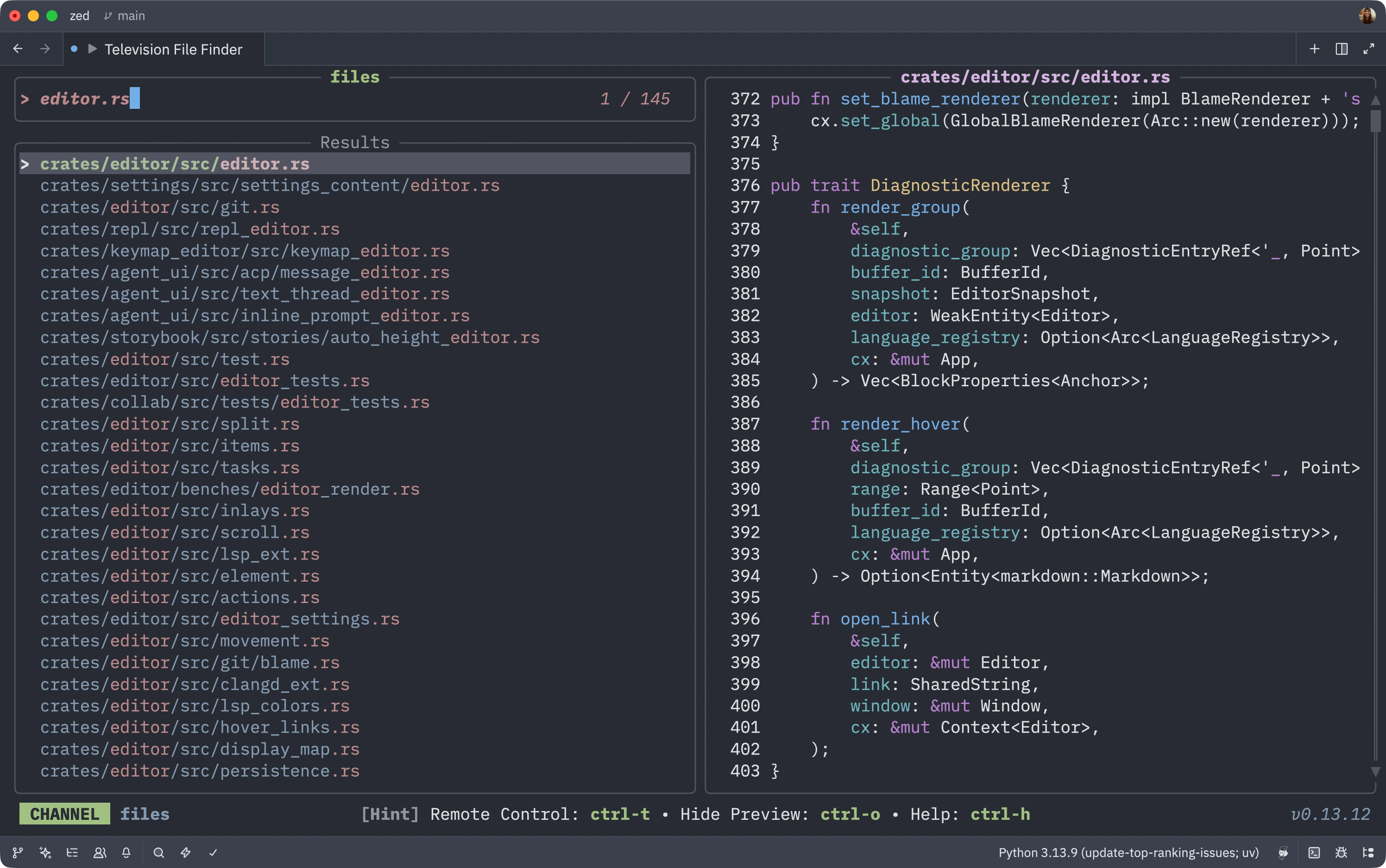
Emulate Vim's Telescope with the fast Television fuzzy finder tool
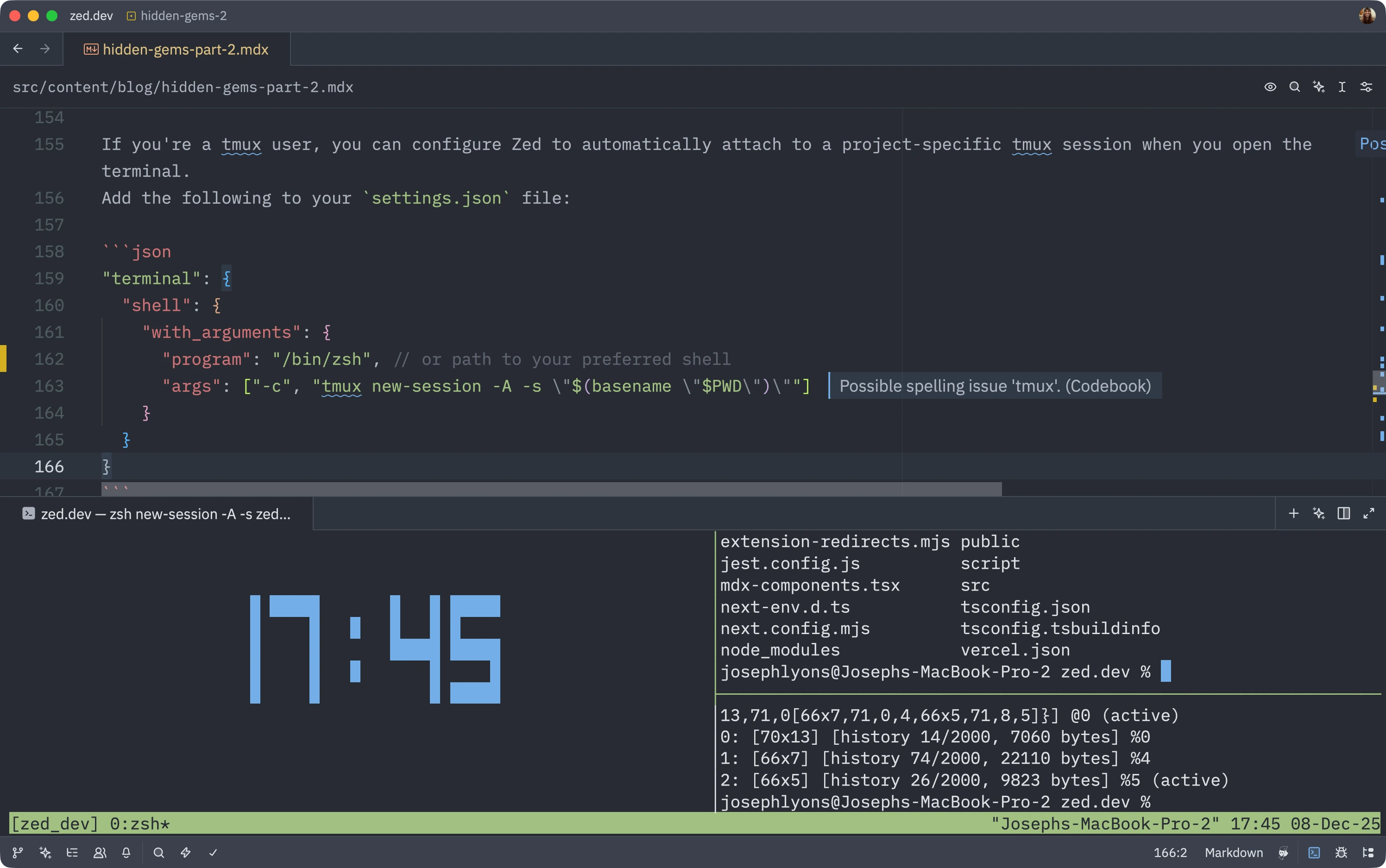
Automatically start project-specific tmux sessions when opening terminals
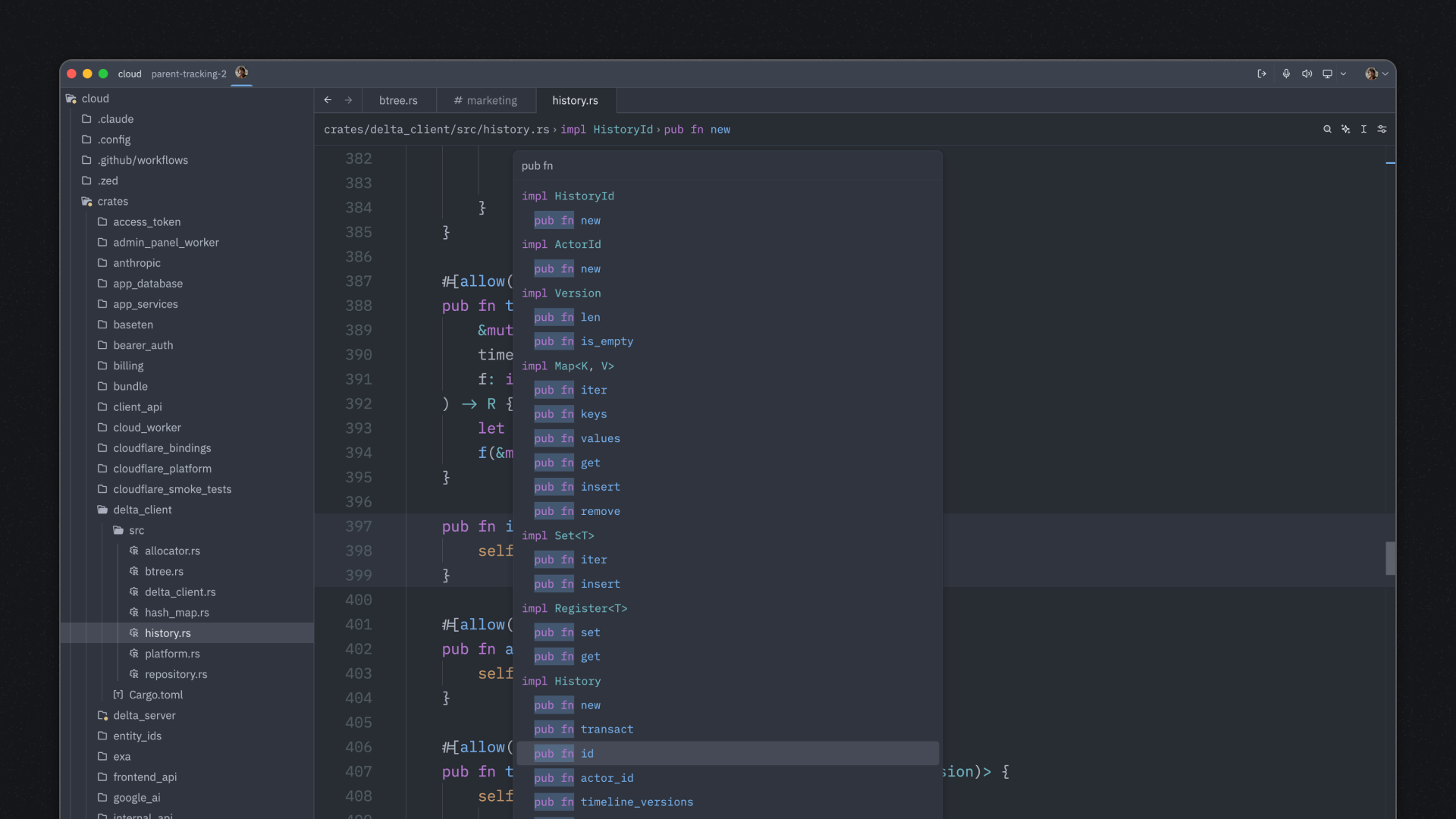
Use spaces in the outline modal to search both symbol names and their containing scopes
Quick access to your most-used language models with favorites
Open PRs directly from the editor without leaving your workflow
Restart or stop individual LSPs without terminal commands
Effortlessly create nested lists with automatic continuation
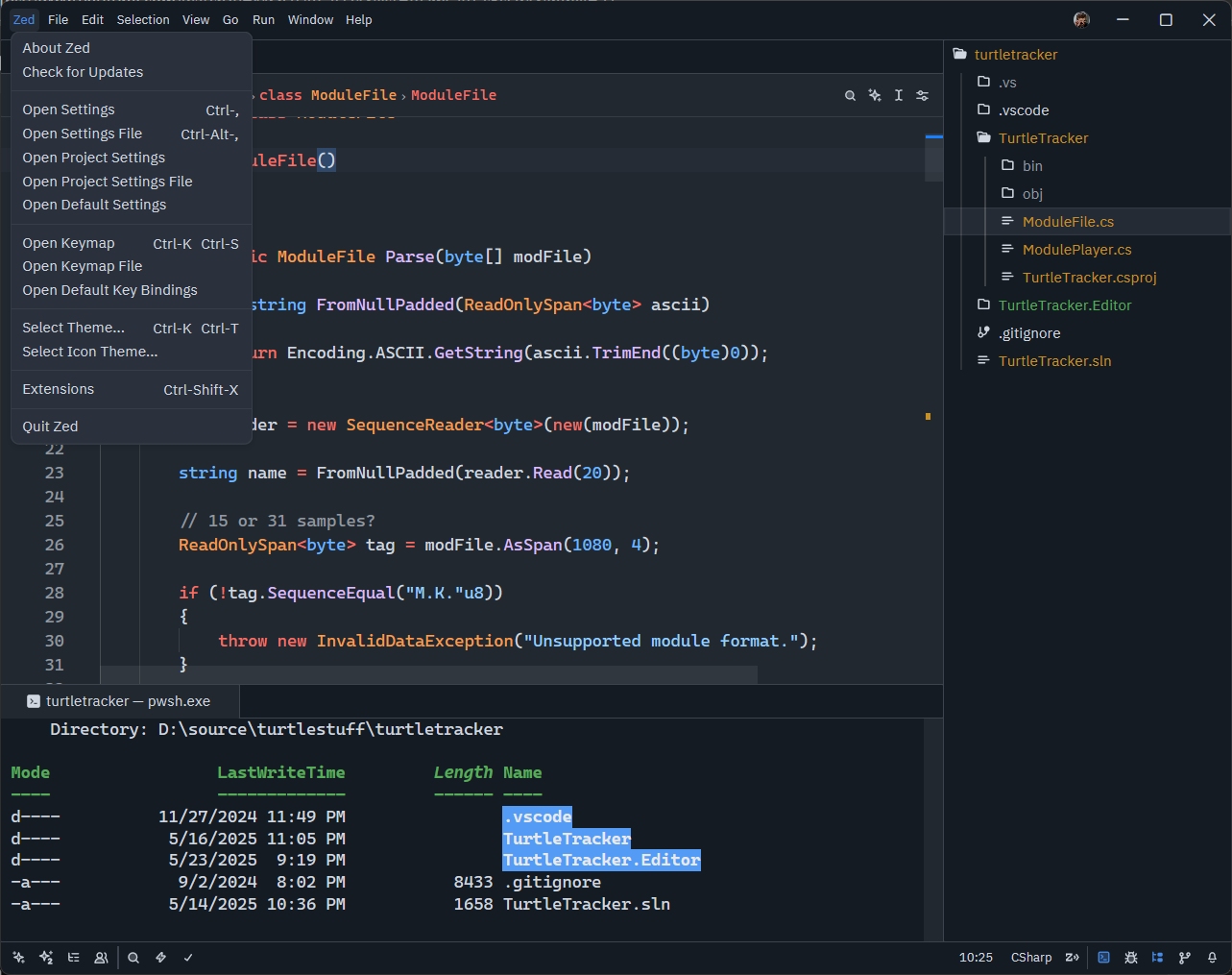
Improve text clarity on standard DPI displays with ClearType-style rendering
Never forget your custom keybindings with this Vim-inspired helper
Master the art of multi-cursor editing to boost your productivity
Jump to definitions, files, and symbols with lightning speed
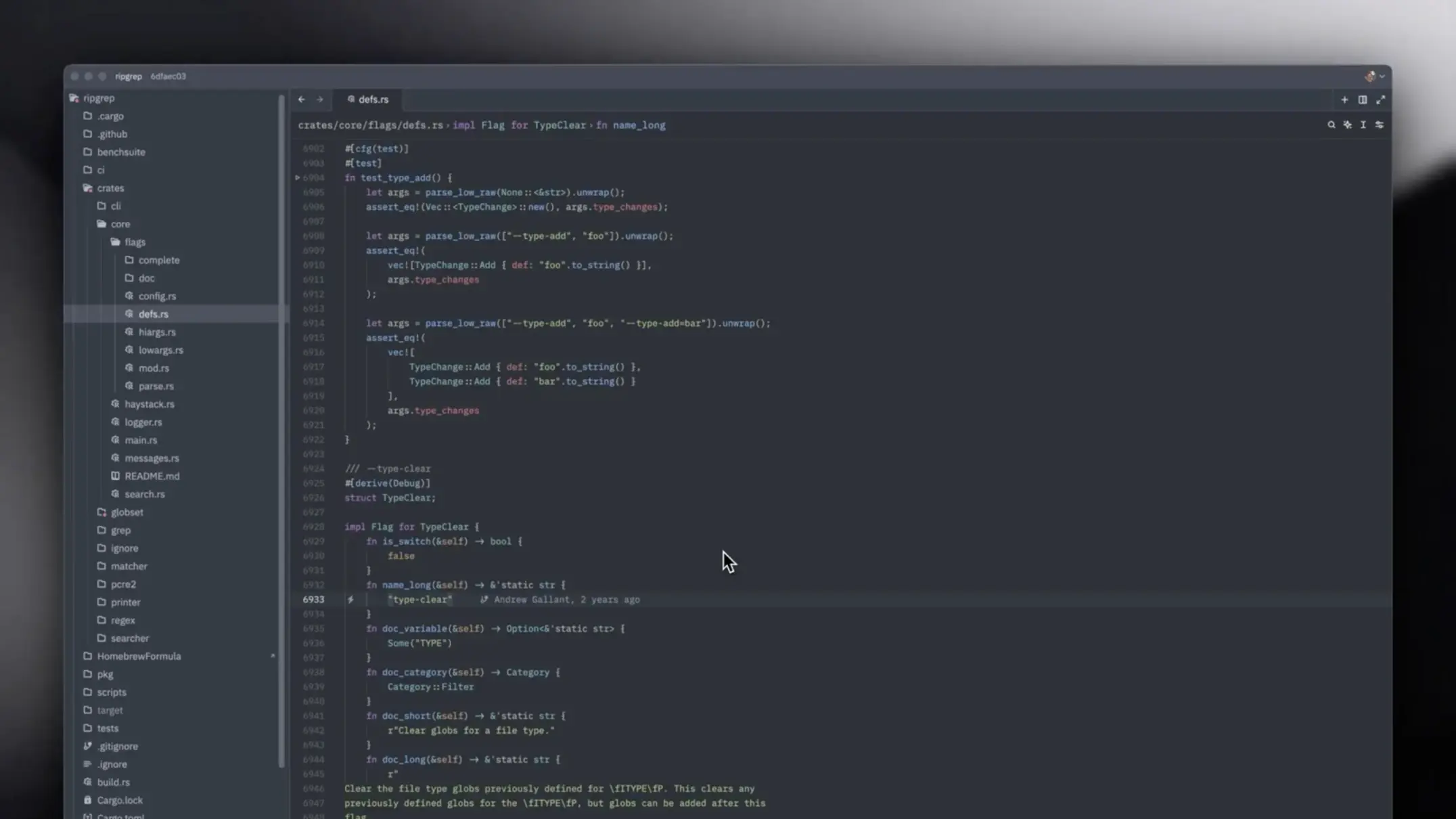
Learn to quickly find and open files in large projects using fuzzy search and filters
Make Zed feel like home by personalizing your editor with custom themes and color schemes
Master regex patterns, multi-file search, and advanced filtering to find exactly what you need in massive codebases
The must-know shortcuts every Zed user should master
Get familiar with Zed's clean interface. Learn about panels, sidebars, and how to navigate the workspace efficiently
Learn to create your own Zed plugins from scratch. Understand the plugin architecture, APIs, and best practices
Leverage Zed's Git features to manage branches, view diffs, stage changes, and commit without leaving the editor
Set up and use the integrated terminal effectively. Run commands, manage processes, and stay in your flow
We'd love to hear from you! If you've discovered a useful Zed trick or workflow, consider sharing it with the community. Every contribution helps fellow developers work smarter.