
Back to tips
Add Colorful File Icons with Catppuccin
Install the Catppuccin Icons extension for vibrant, colorful file icons in your project panel
#extensions
#ui
#customization
#icons
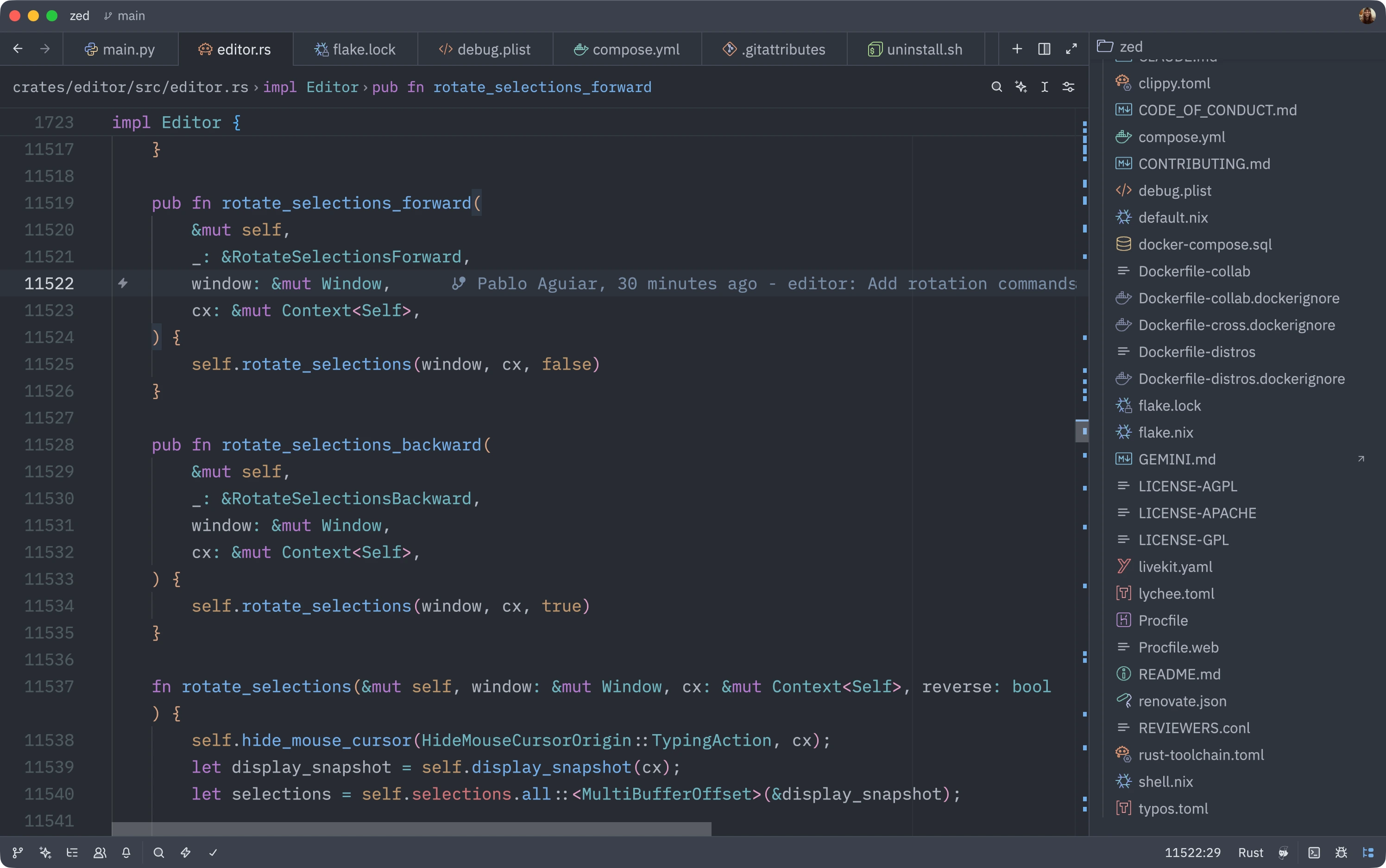
Zed ships with monochrome file icons by default, but if you want to add more visual flair to your project panel, you can install the Catppuccin Icons extension for vibrant, colorful icons.
Installation
- Open the extensions view (command palette →
zed: extensions) - Search for Catppuccin Icons
- Hit the Install button
- Open the Icon Theme selector (command palette →
icon theme selector: toggle) - Pick your favorite Catppuccin variant
Now your project panel has clear visual distinctions between file types with colorful, recognizable icons!
Bonus: Show Icons in Tabs
You can also add file icons to your tabs for even better visual organization. Add this to your Zed settings:
{
  "tabs": {
    "file_icons": true
  }
}
Or configure it through the command palette → settings: open default settings and search for “tabs”.