
Back to tips
Build Custom Themes with Theme Builder
Create and customize your perfect Zed theme visually
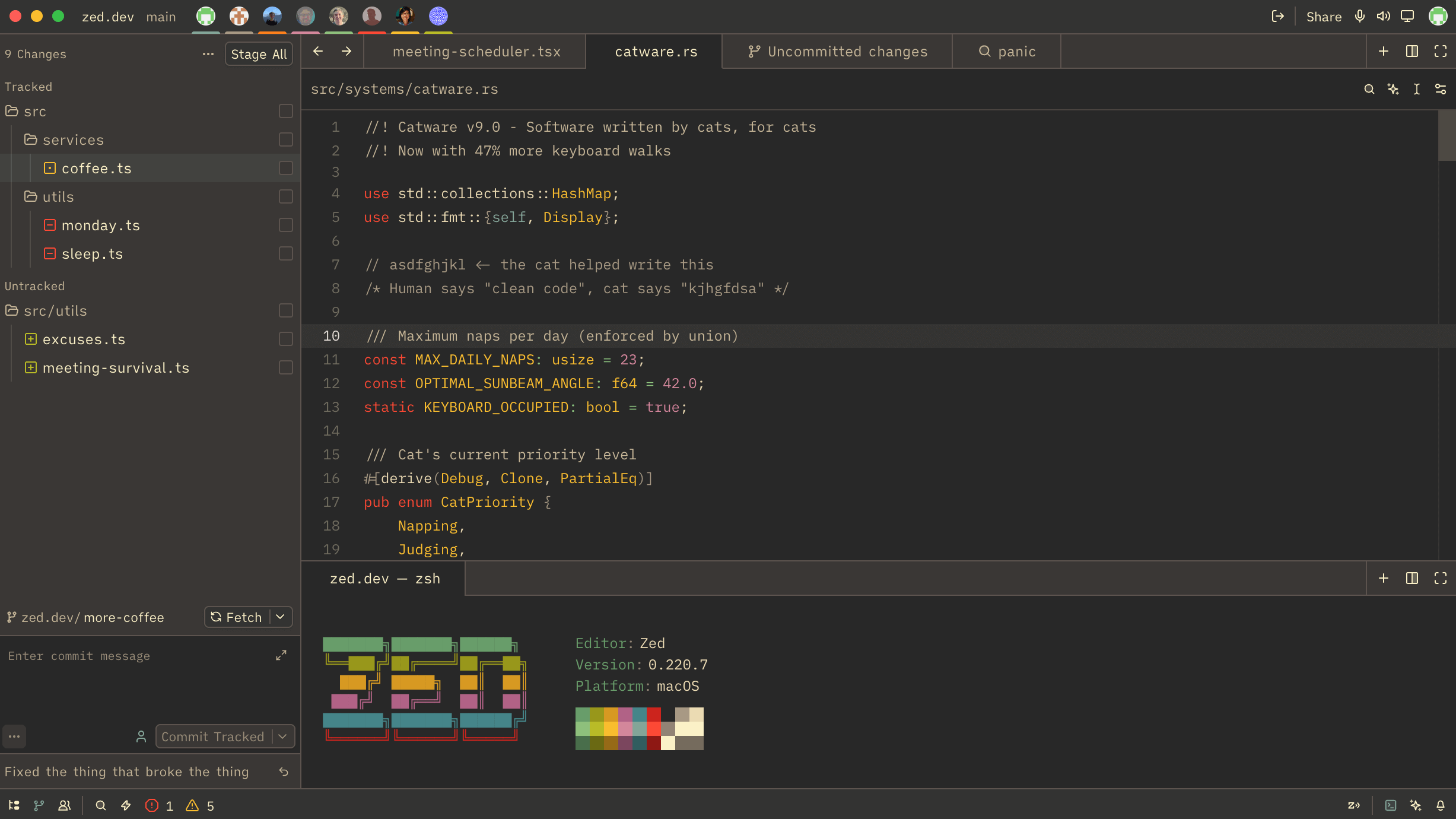
Zed’s official Theme Builder lets you create and customize themes visually without writing any code. Whether you want to tweak an existing theme or build one from scratch, the Theme Builder makes it easy.
Getting Started
- Visit zed.dev/theme-builder
- Choose a base theme to start from, or begin with a blank canvas
- Customize colors using the visual editor
- Preview your changes in real-time
Key Features
Visual Color Picker: Click on any UI element to customize its color. No need to remember JSON structure or color codes.
Real-time Preview: See your changes instantly in a live Zed editor preview, showing how your theme looks with actual code.
Export & Share: When you’re done, export your theme as a JSON file or share it with the community.