
Back to tips
Plugin Development Guide
Learn to create your own Zed plugins from scratch. Understand the plugin architecture, APIs, and best practices
#plugins
#development
#customization
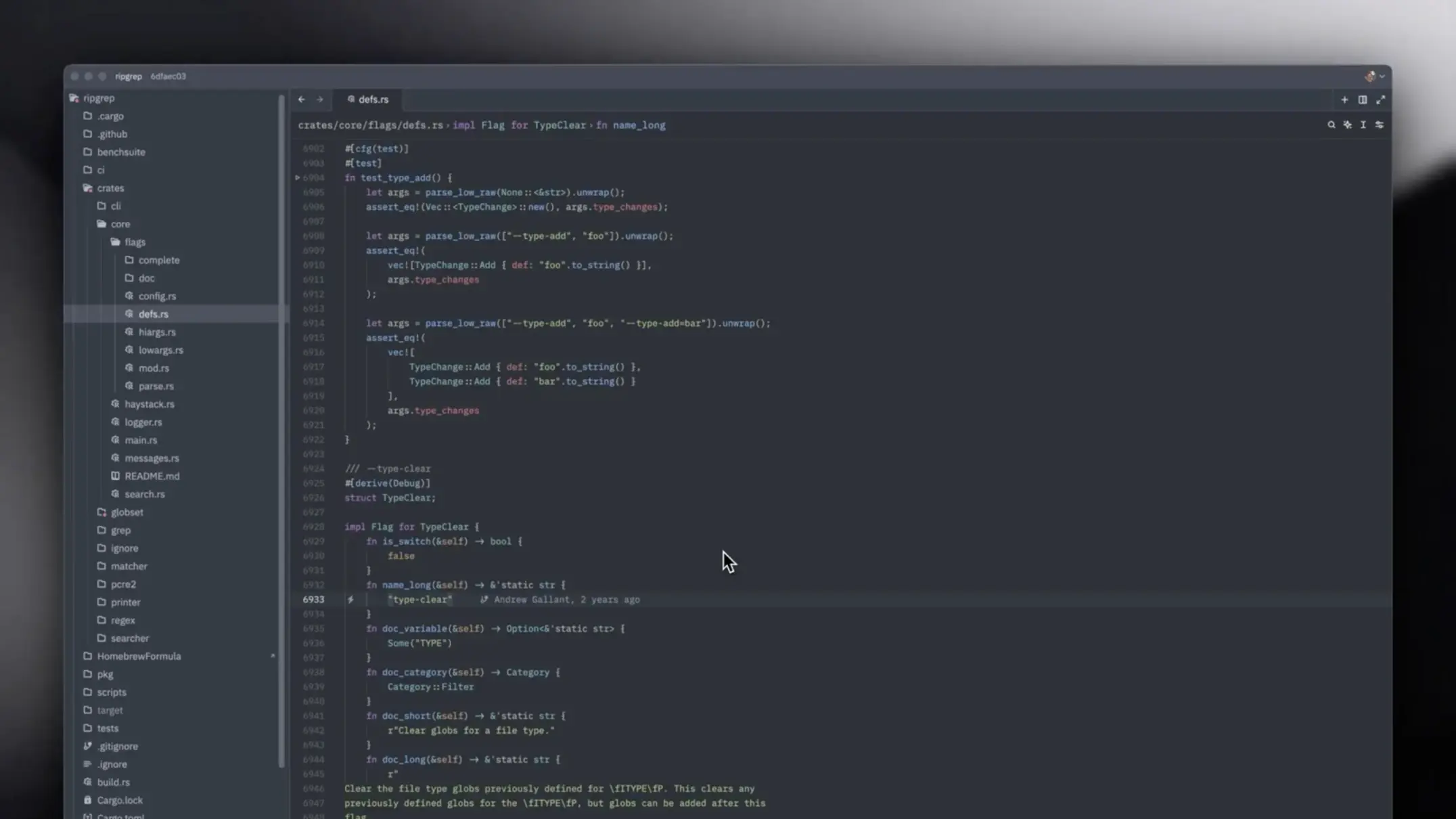
Creating Zed plugins allows you to extend the editor’s functionality to match your exact workflow needs. This guide will walk you through building your first plugin.
Getting Started
Plugin Structure
A basic Zed plugin structure:
my-plugin/
├── extension.toml
├── src/
│   └── main.rs
├── Cargo.toml
└── README.md
Extension Manifest
Create extension.toml:
id = "my-plugin"
name = "My Plugin"
description = "Description of what your plugin does"
version = "0.1.0"
schema_version = 1
authors = ["Your Name <email@example.com>"]

[lib]
kind = ["extension"]
Plugin Types
Language Support Plugins
Add syntax highlighting and language features:
use zed_extension_api::{self as zed, LanguageServerId};

struct MyLanguageExtension;

impl zed::Extension for MyLanguageExtension {
    fn new() -> Self {
        Self
    }

    fn language_server_command(
        &mut self,
        language_server_id: &LanguageServerId,
        worktree: &zed::Worktree,
    ) -> Result<zed::Command> {
        // Return language server command
        Ok(zed::Command {
            command: "my-language-server".to_string(),
            args: vec!["--stdio".to_string()],
            env: Default::default(),
        })
    }
}
Theme Plugins
Create custom color schemes:
[extension]
id = "my-theme"
name = "My Theme"
version = "0.1.0"

[themes]
"My Dark Theme" = "themes/dark.json"
"My Light Theme" = "themes/light.json"
Command Plugins
Add custom commands and actions:
impl Extension for MyExtension {
    fn run_command(
        &mut self,
        command: String,
        args: Vec<String>,
    ) -> Result<String> {
        match command.as_str() {
            "my_custom_command" => {
                // Execute custom logic
                Ok("Command executed!".to_string())
            }
            _ => Err("Unknown command".into()),
        }
    }
}
Plugin API
Accessing Editor State
use zed::Editor;

fn get_current_selection(editor: &Editor) -> String {
    editor.selected_text()
}

fn insert_text(editor: &mut Editor, text: &str) {
    editor.insert(text);
}
File System Operations
use zed::fs;

fn read_file(path: &str) -> Result<String> {
    fs::read_to_string(path)
}

fn write_file(path: &str, content: &str) -> Result<()> {
    fs::write(path, content)
}
UI Integration
use zed::ui;

fn show_notification(message: &str) {
    ui::notify(message);
}

fn show_dialog(title: &str, message: &str) -> bool {
    ui::confirm(title, message)
}
Building and Testing
Local Development
# Build your plugin
cargo build

# Install locally
zed --install-extension ./path/to/plugin

# View logs
zed --log-level debug
Testing
#[cfg(test)]
mod tests {
    use super::*;

    #[test]
    fn test_plugin_functionality() {
        let mut plugin = MyPlugin::new();
        assert_eq!(plugin.process_text("test"), "expected");
    }
}
Publishing
Prepare for Publishing
- Update metadata in
extension.toml - Write documentation in README.md
- Add examples and screenshots
- Test thoroughly on different platforms
Submit to Extension Marketplace
# Package extension
zed package-extension

# Publish
zed publish-extension
Best Practices
- Follow naming conventions: Use clear, descriptive names
- Handle errors gracefully: Provide helpful error messages
- Optimize performance: Avoid blocking the main thread
- Document your API: Help users understand how to use your plugin
- Version carefully: Follow semantic versioning
- Test on all platforms: macOS, Linux, Windows
- Keep dependencies minimal: Reduce plugin size and loading time
- Provide configuration options: Let users customize behavior
Pro Tips
- Study existing plugins for inspiration and patterns
- Use async operations for long-running tasks
- Implement incremental updates for better performance
- Add keyboard shortcuts for common actions
- Provide status indicators for background operations
- Support multiple languages when appropriate
- Create comprehensive tests to catch regressions
- Engage with the Zed community for feedback