
Back to tips
Advanced Search Techniques
Master regex patterns, multi-file search, and advanced filtering to find exactly what you need in massive codebases
#search
#regex
#advanced
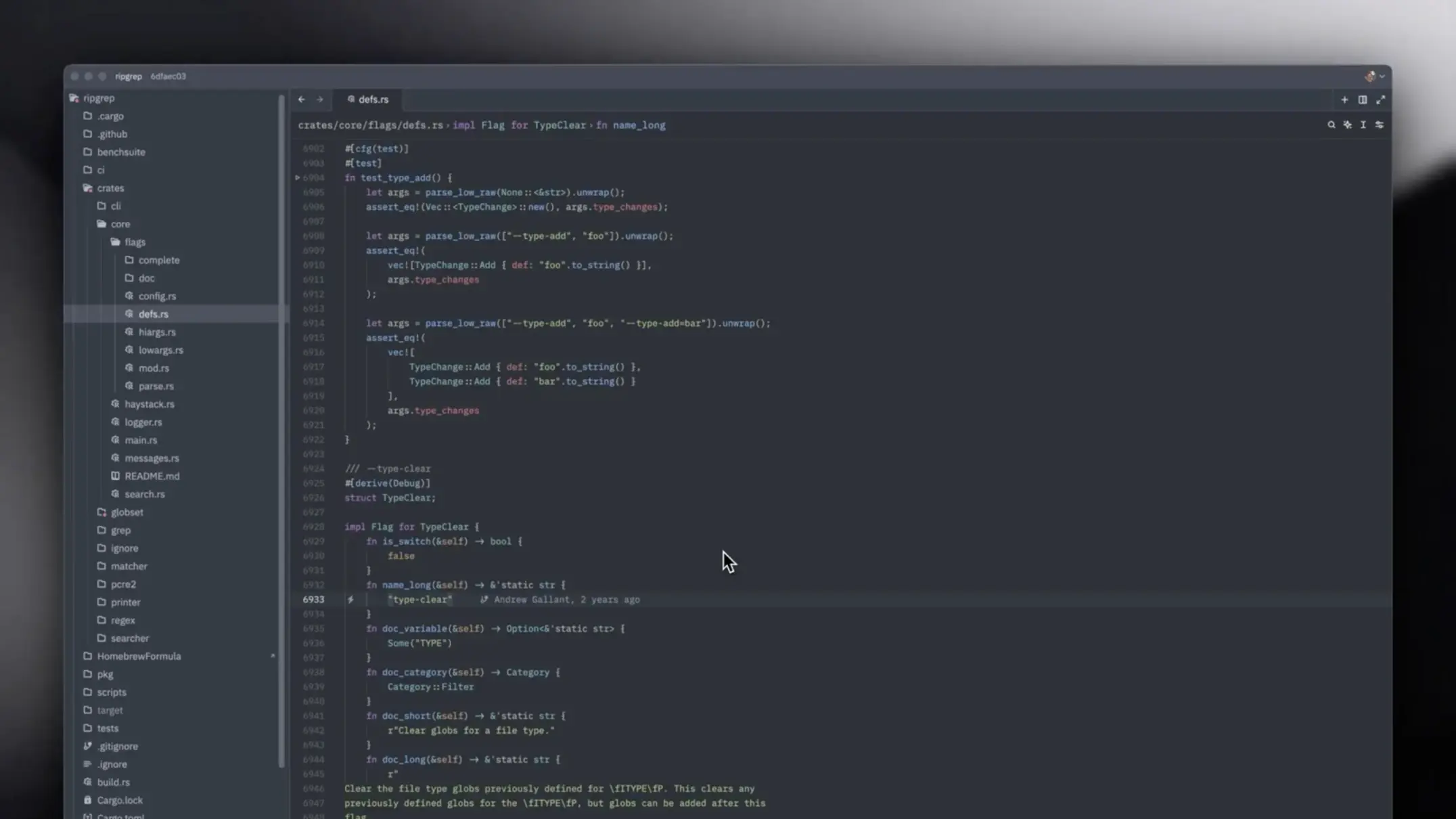
Mastering advanced search techniques in Zed can dramatically improve your productivity when working with large codebases. This guide will teach you how to leverage powerful search features to find exactly what you need.
Regular Expression Basics
Regular expressions (regex) allow you to search for patterns rather than exact strings:
Cmd + F
# Basic find

Cmd + Shift + F
# Global find with regex support
Common Regex Patterns
\d+
# Match one or more digits

[A-Z][a-z]+
# Match capitalized words

function\s+\w+
# Match function declarations
Multi-File Search
Search across your entire project:
Cmd + Shift + F
# Open global search

Type your pattern
Use .* for wildcards
Enable regex mode with the .* button
Search Filters
Narrow down your search results:
- Include patterns:
src/**/*.ts- only TypeScript files in src - Exclude patterns:
**/node_modules/**- ignore dependencies - Case sensitivity: Toggle with the Aa button
Advanced Techniques
Search and Replace Across Files
1. Cmd + Shift + F to open global search
2. Type your search pattern
3. Click the arrow next to search box
4. Enter replacement text
5. Preview changes before applying
Using Capture Groups
Replace with captured groups:
Search: function (\w+)\((.*?)\)
Replace: const $1 = ($2) =>
# Convert function declarations to arrow functions
Pro Tips
- Use word boundaries
\bto match whole words only - Lookahead
(?=pattern)for complex pattern matching - Save frequent searches as snippets for quick access
- Use context lines to see surrounding code in results
- Filter by file type to speed up searches in large projects