
Search by Symbol and Context in Outline
Use spaces in the outline modal to search both symbol names and their containing scopes
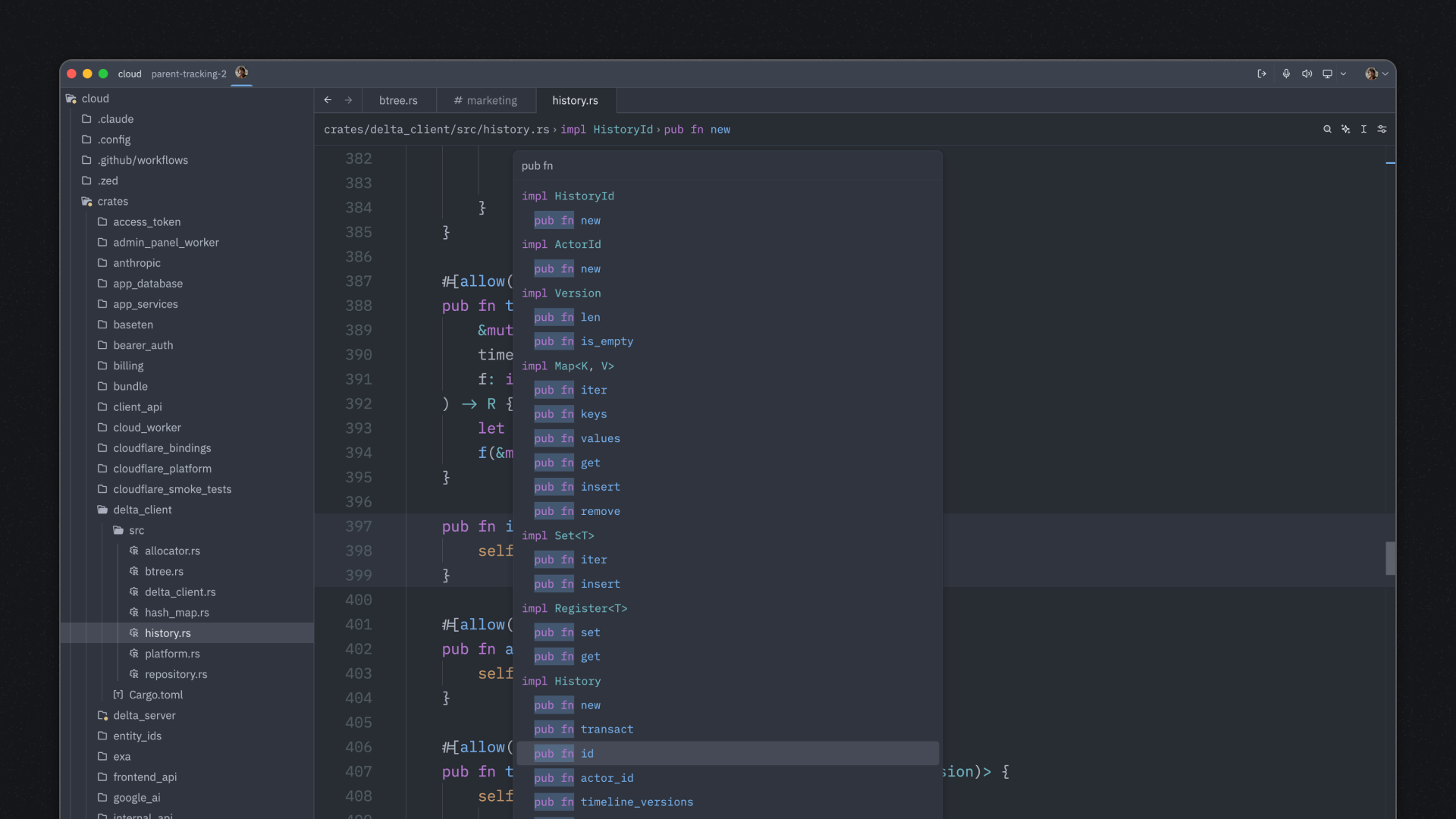
The outline modal (Cmd-Shift-O on macOS, or outline: toggle) is great for quickly navigating to symbols in your current file. But did you know you can search by both symbol name and context using spaces?
By default, the search bar filters symbols by their name only. However, if you include a space in your search query, Zed expands the search to match against both the symbol’s name and its containing scope.
For example, in a JavaScript file with:
class UserService {
  async getUser() { ... }
}

class AdminService {
  async getUser() { ... }
}
Searching for getUser would show both methods. But searching for admin getUser (with a space) will only match the getUser method inside AdminService.
This is incredibly useful when:
- You have multiple symbols with the same name in different classes or namespaces
- You want to quickly jump to a specific method in a particular class
- You’re working with large files containing many similarly-named functions
The space-based context search makes navigation much more precise and efficient!