
Crisp Text with Subpixel Rendering
Improve text clarity on standard DPI displays with ClearType-style rendering
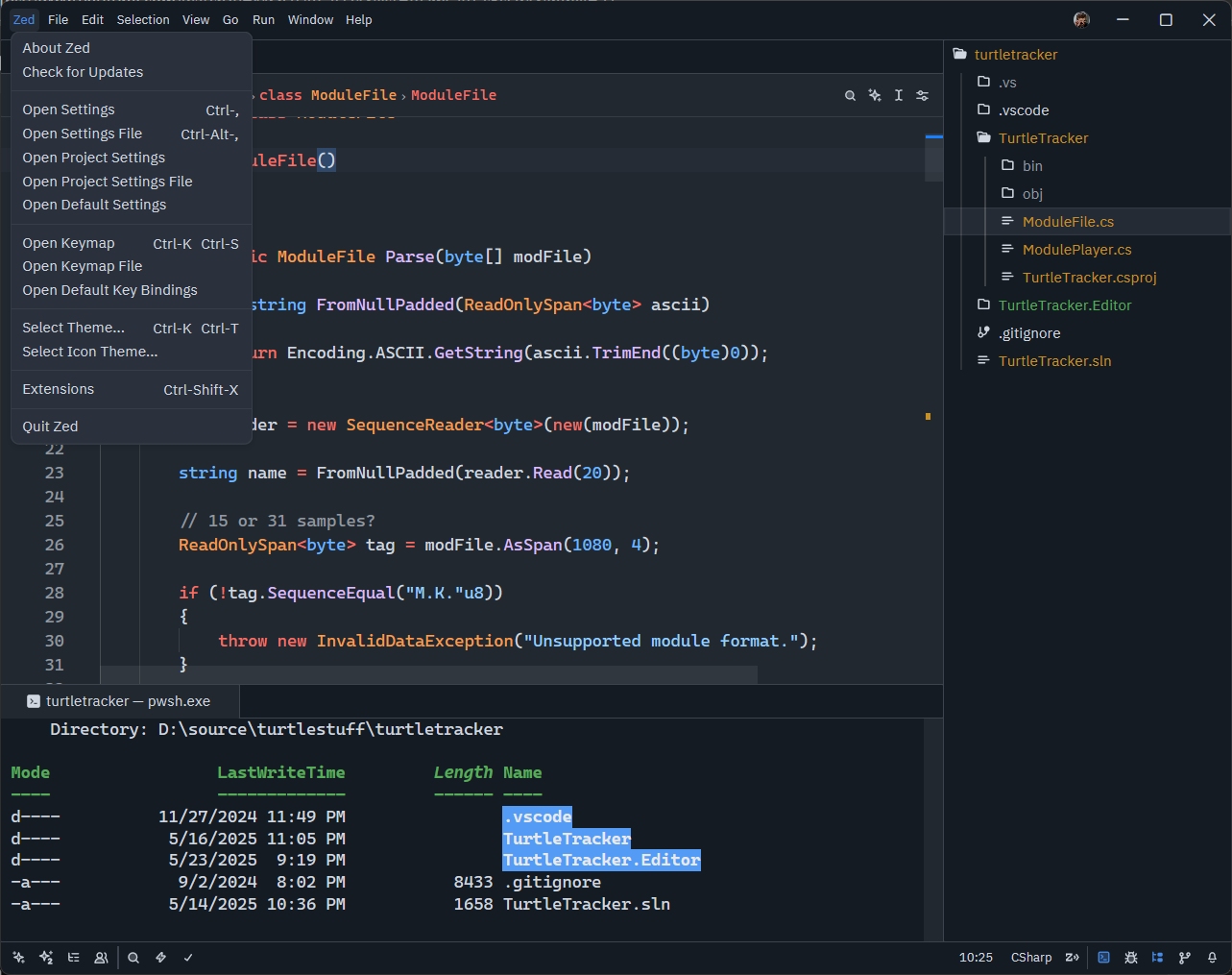
Zed now supports subpixel text rendering (ClearType-style) on Windows and Linux, significantly improving text legibility on standard DPI displays.
What is Subpixel Rendering?
Subpixel rendering takes advantage of the RGB subpixels in LCD displays to effectively triple the horizontal resolution of text rendering. This makes text appear sharper and more readable, especially at smaller font sizes.
Default Behavior
- Windows & Linux: Subpixel rendering is enabled by default
- macOS: Uses macOS’s native text rendering
- Works best on standard DPI (96-120 DPI) displays
- High DPI displays may not see significant improvement
Configuration
You can customize the text rendering mode in your settings.json:
{
  "text_rendering_mode": "subpixel"  // or "grayscale"
}
Available Modes
"subpixel"- ClearType-style rendering (default on Windows/Linux)"grayscale"- Traditional antialiasing without subpixel optimization
When to Use
Enable subpixel rendering for standard DPI LCD displays. Use grayscale mode for high DPI/Retina displays or if you prefer softer text appearance.
The improvement is most noticeable on 1080p and lower resolution displays, with negligible performance impact.