
beginner
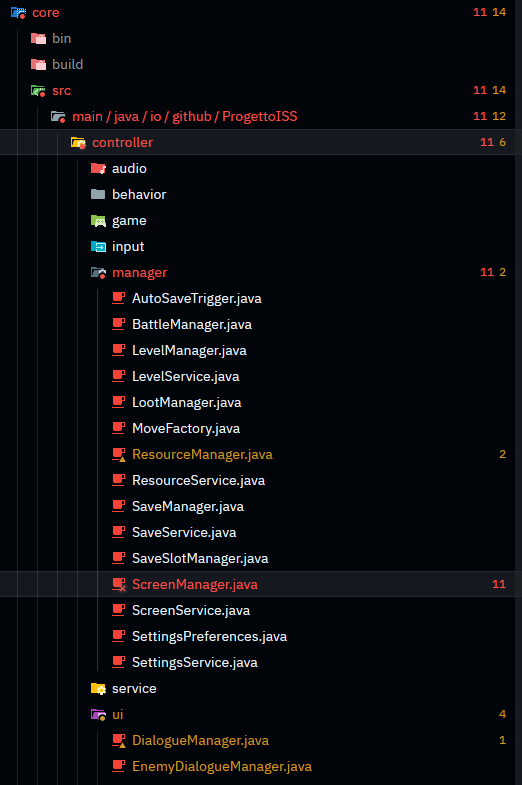
See Error and Warning Counts in Project Panel
Display diagnostic badges next to files showing error and warning counts
#diagnostics
#project-panel
#errors
Explore productivity tips and tricks to enhance your Zed editor experience
25 tips found
Display diagnostic badges next to files showing error and warning counts
Remove cell outputs to declutter notebooks or start fresh
Run Jupyter kernels on remote machines or WSL environments
Paste multiple lines to multiple cursors with automatic line-to-cursor mapping
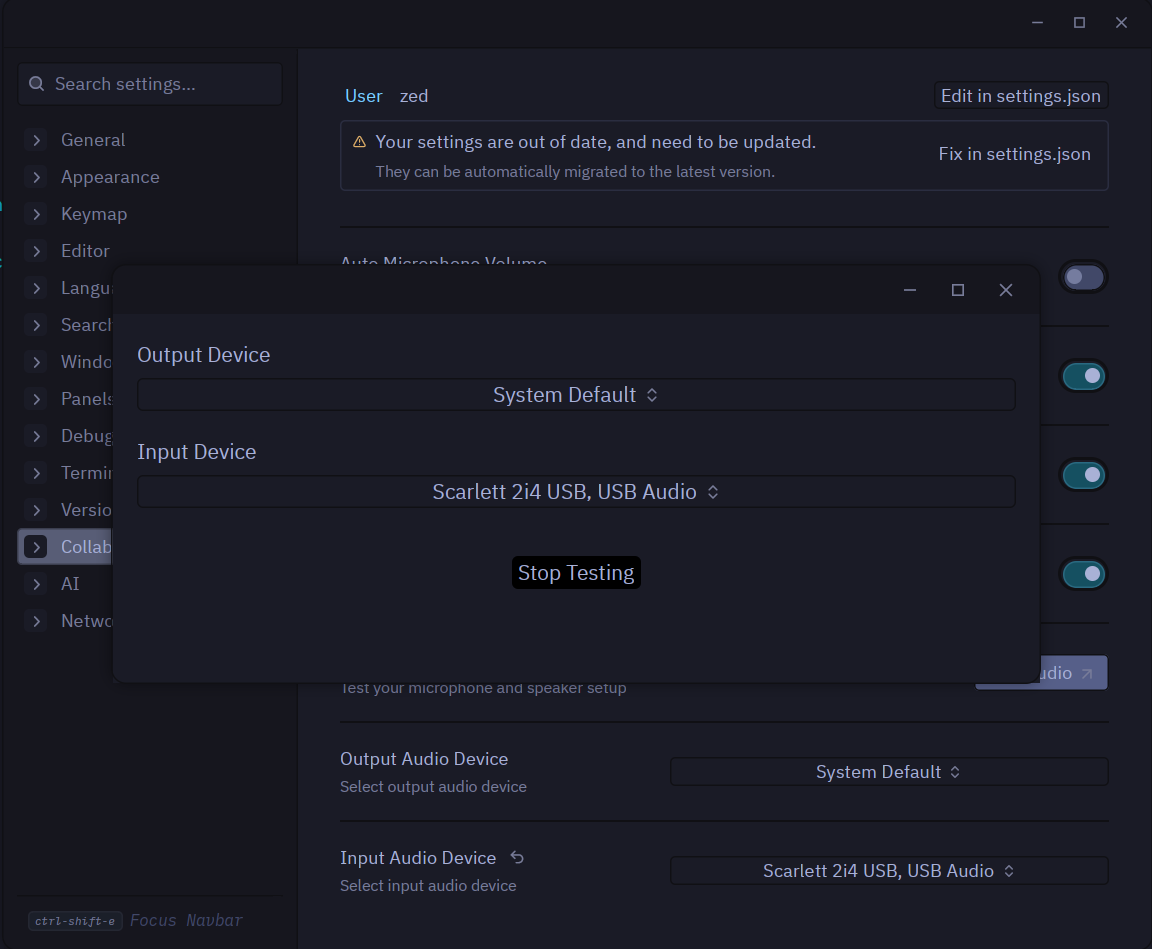
Choose specific microphones and speakers for Zed's built-in collaboration
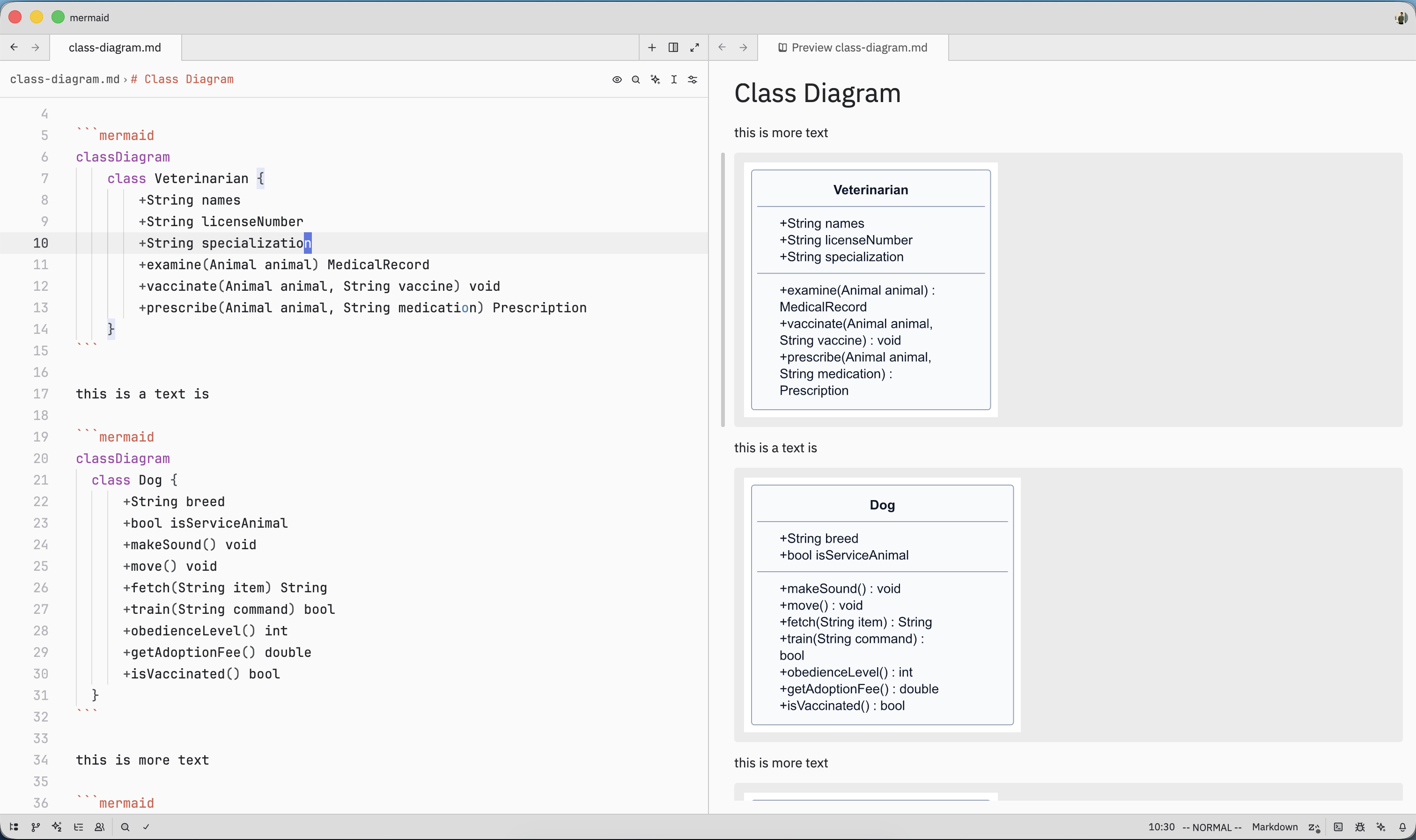
Visualize flowcharts, sequences, and diagrams directly in your markdown files
Unsaved files in empty workspaces now restore on startup
Navigate large images with scroll-wheel zoom and click-drag panning
Fix garbled text by selecting the correct encoding from status bar
Organize terminals by renaming tabs via right-click or double-click
One keystroke to open and execute your custom tasks
Save files immediately on every change without any delay
Instantly add JSON tags to Go structs with a single task
Run local build tools and scripts while working on remote projects
Give your working tabs full horizontal space by separating pinned tabs
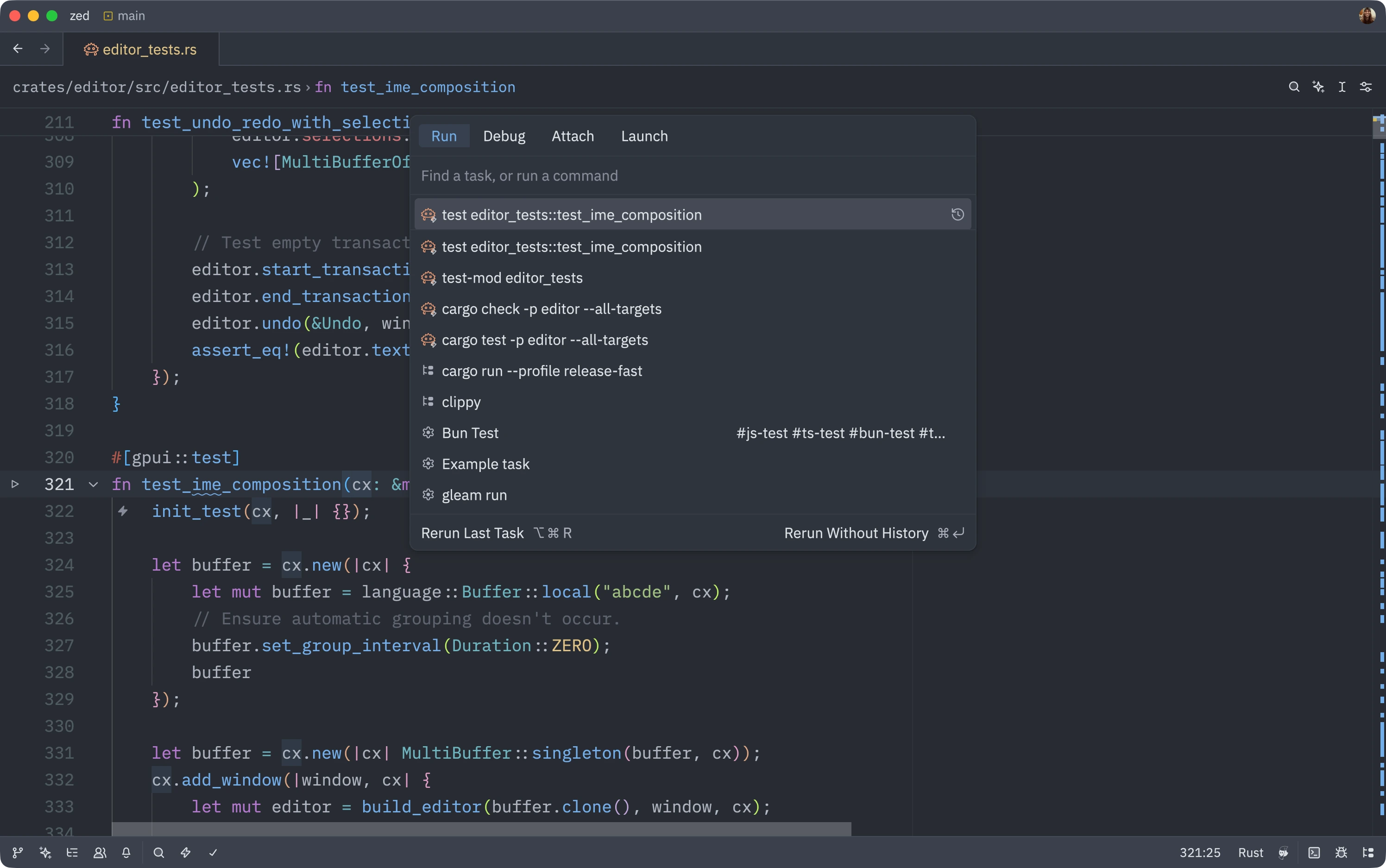
Modify task commands before running them for quick iterations
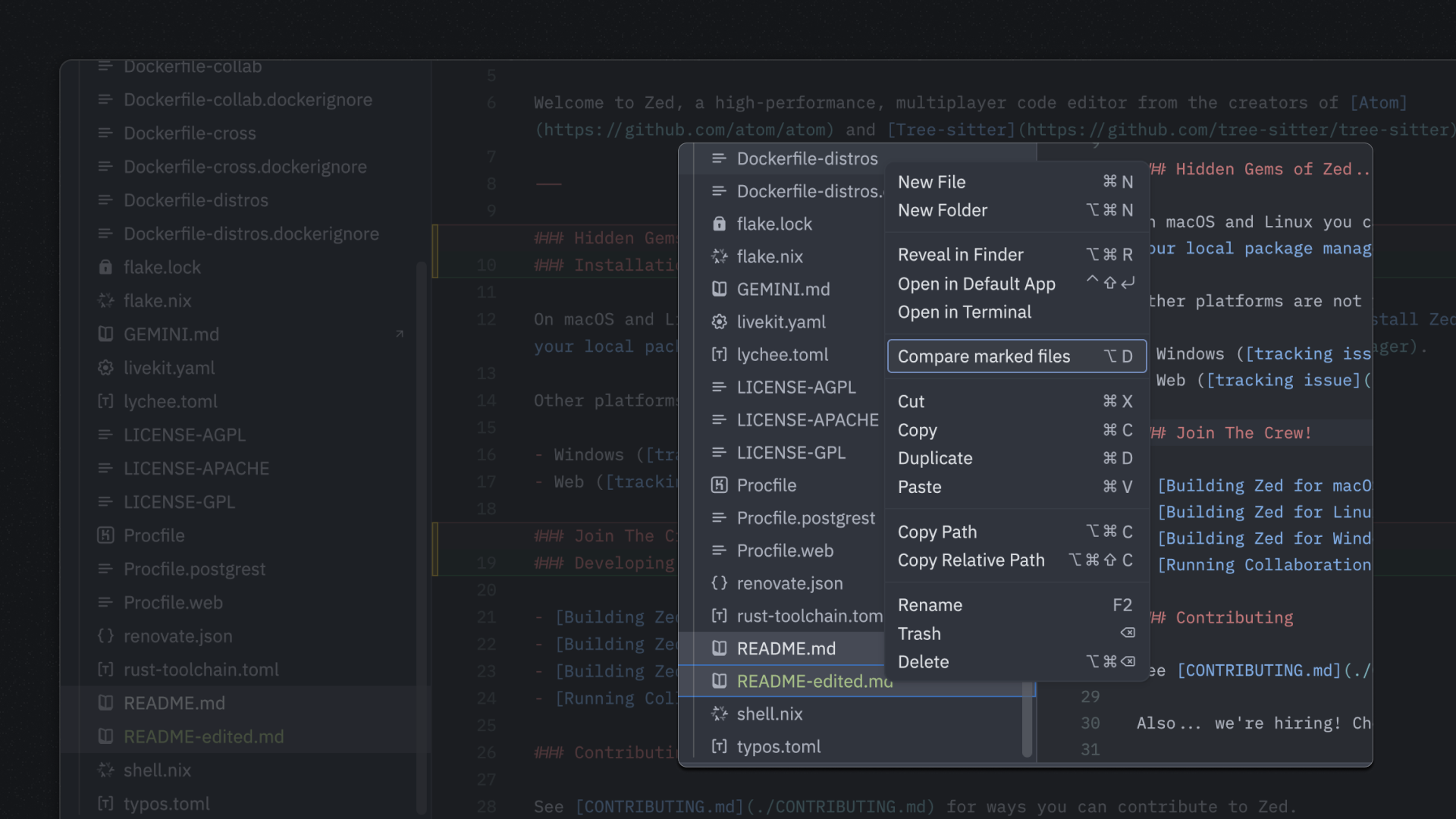
Compare two files side-by-side using the project panel context menu
Consistent development environments using DevContainer configuration
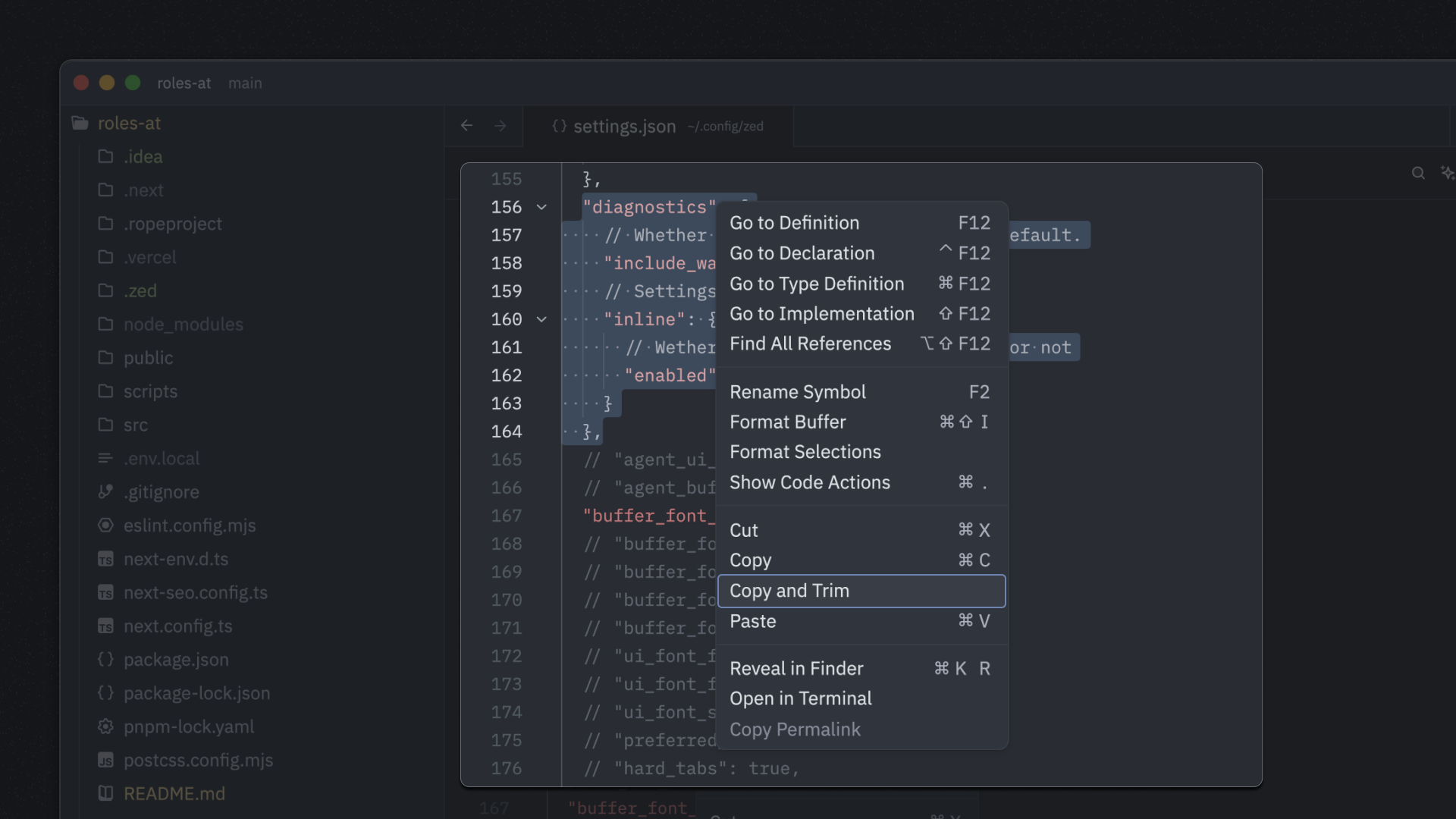
Copy selected text with leading whitespace automatically trimmed
Restart or stop individual LSPs without terminal commands
Effortlessly create nested lists with automatic continuation
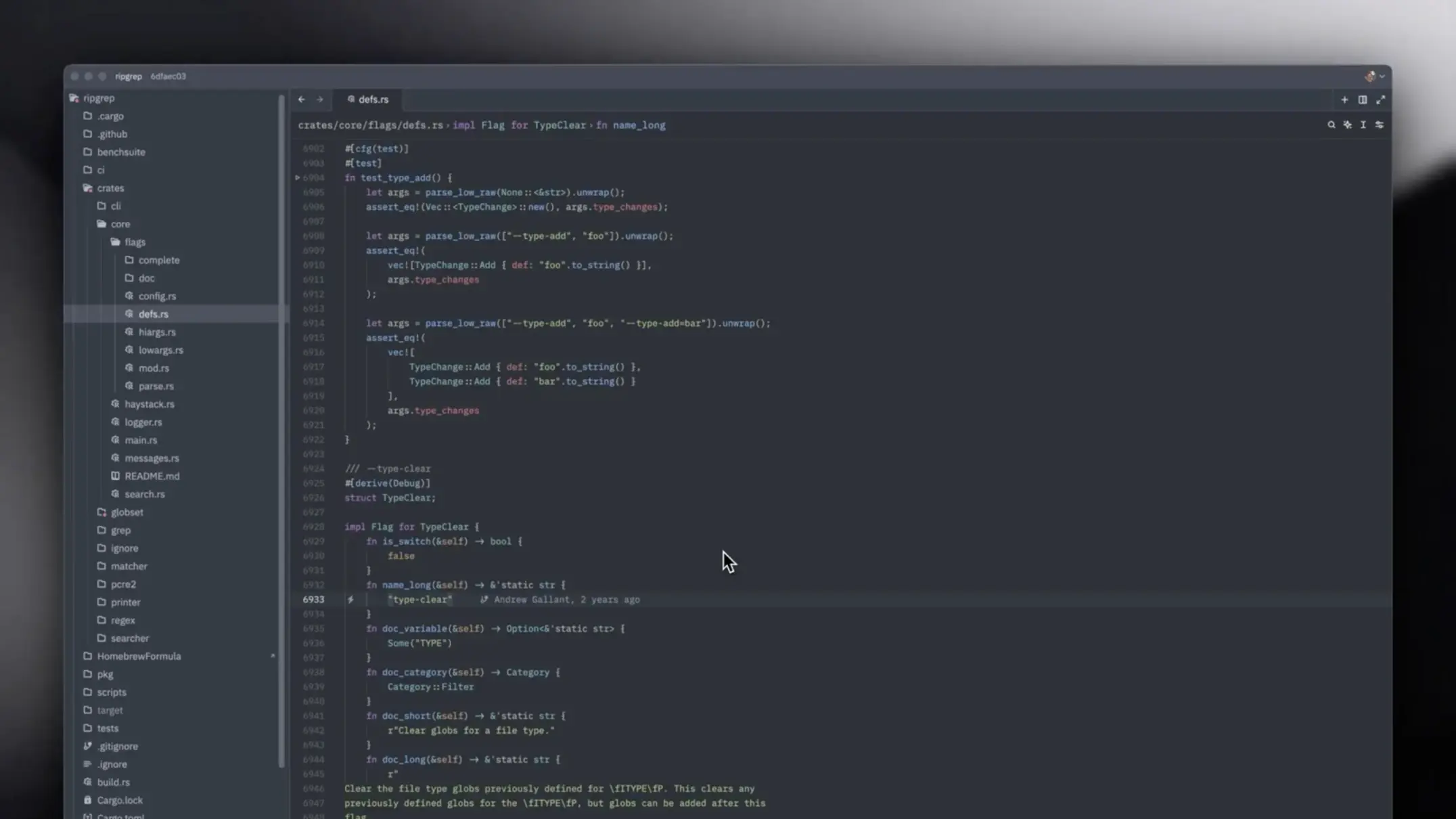
Learn to quickly find and open files in large projects using fuzzy search and filters
Master regex patterns, multi-file search, and advanced filtering to find exactly what you need in massive codebases
Get familiar with Zed's clean interface. Learn about panels, sidebars, and how to navigate the workspace efficiently
Leverage Zed's Git features to manage branches, view diffs, stage changes, and commit without leaving the editor
We'd love to hear from you! If you've discovered a useful Zed trick or workflow, consider sharing it with the community. Every contribution helps fellow developers work smarter.