
Back to tips
Copy and Trim Indentation
Copy selected text with leading whitespace automatically trimmed
#editing
#clipboard
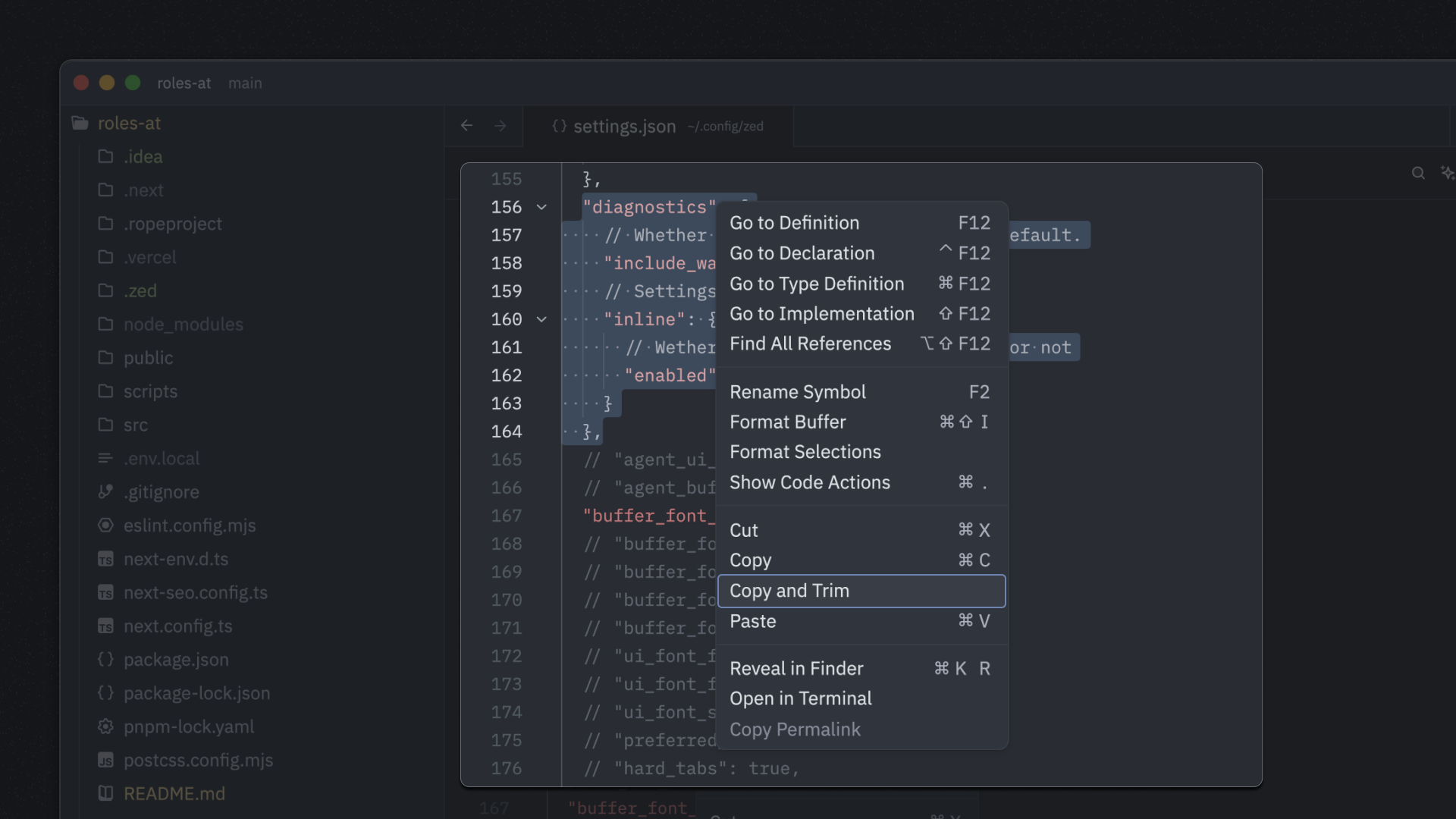
When copying code snippets from nested blocks, you often don’t want the extra indentation. The Copy and Trim feature in Zed’s editor context menu automatically removes leading whitespace when copying selected text.
Instead of copying text like this:
            "diagnostics": {
                "inline": {
                    "enabled": true
                }
            },
Copy and Trim gives you clean, unindented text ready to paste:
"diagnostics": {
    "inline": {
        "enabled": true
    }
},
Right-click on any selection in the editor and choose Copy and Trim from the context menu to use this feature.