
January 2026
Discover all the Zed editor tips and techniques from January 2026
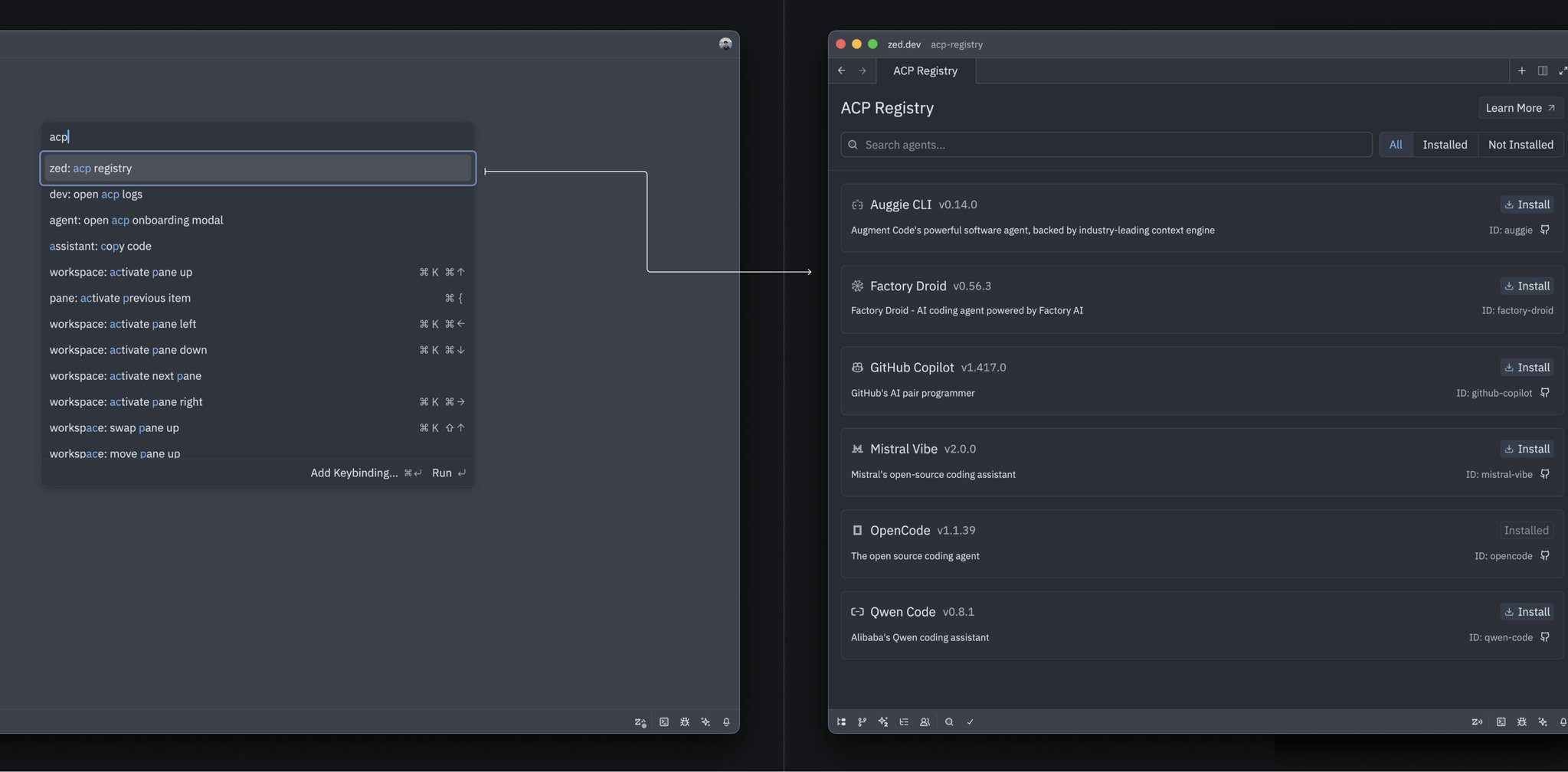
Install AI Agents from ACP Registry
Discover and install specialized agents directly from Zed's Agent Registry
Edit Queued Agent Messages Before Sending
Modify your queued prompts on the fly with Cmd+E
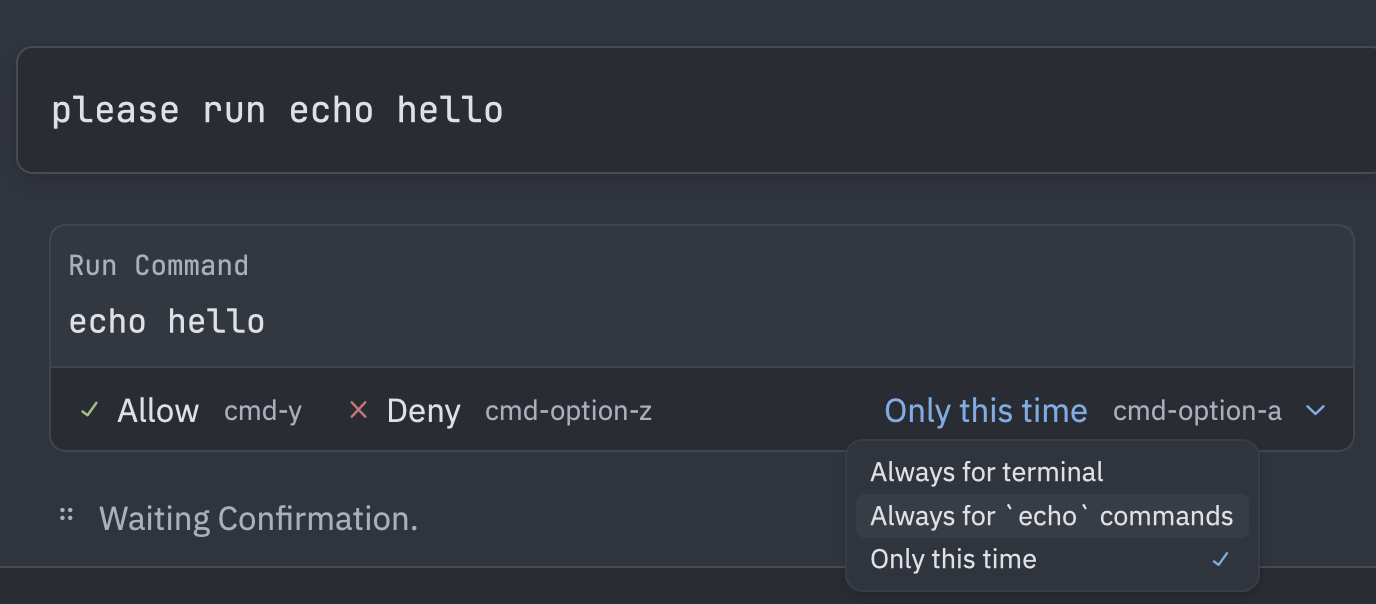
Set Granular Permissions for Agent Tools
Control what the AI agent can do with per-tool permission rules
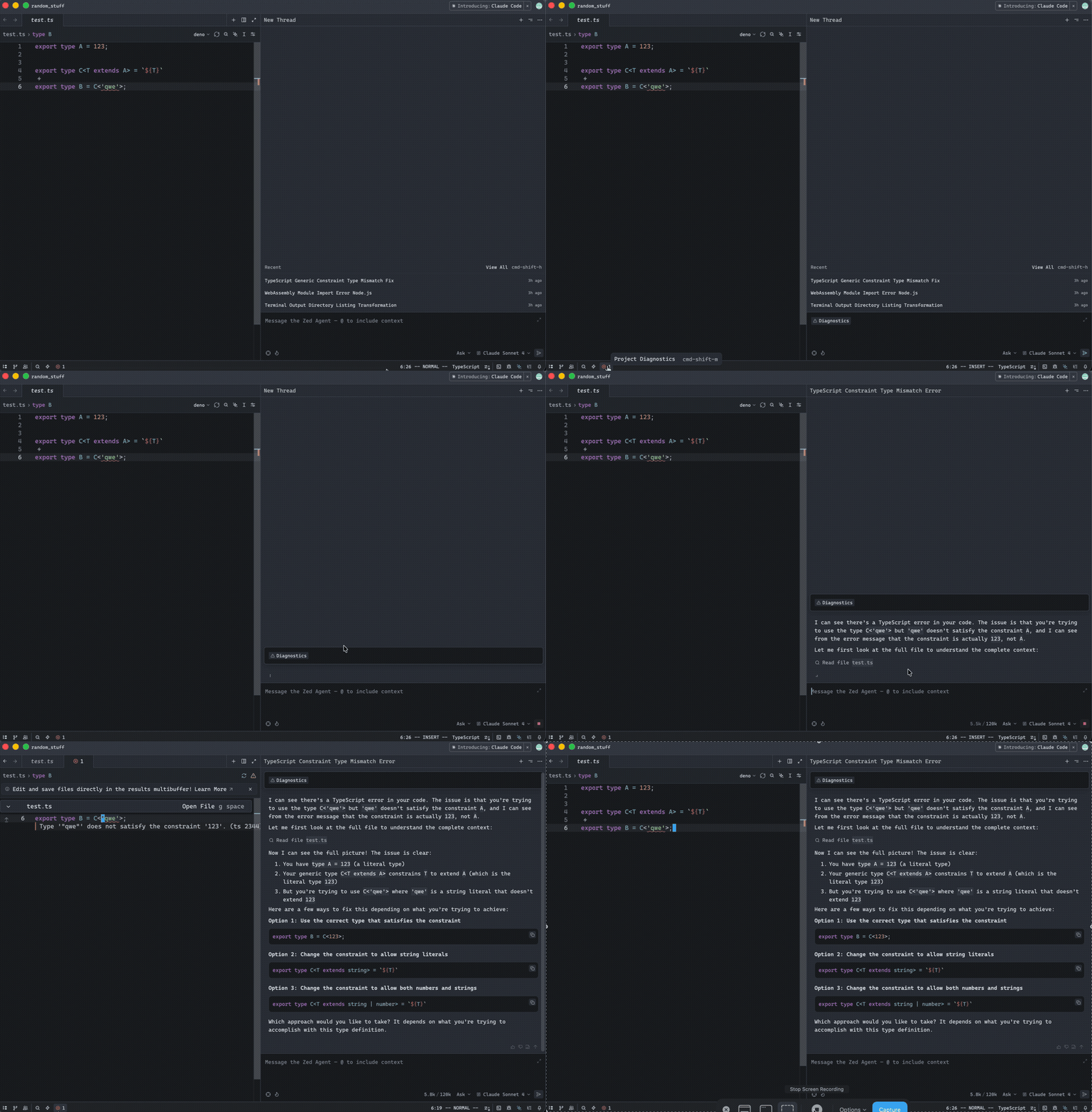
Add Code Errors to Agent Context with @diagnostics
Feed LSP diagnostics directly into your agent conversations
Inherit EditorConfig from Parent Directories
Apply editor settings from outside your project directory
Launch Tasks Instantly with Alt-Shift-R
One keystroke to open and execute your custom tasks
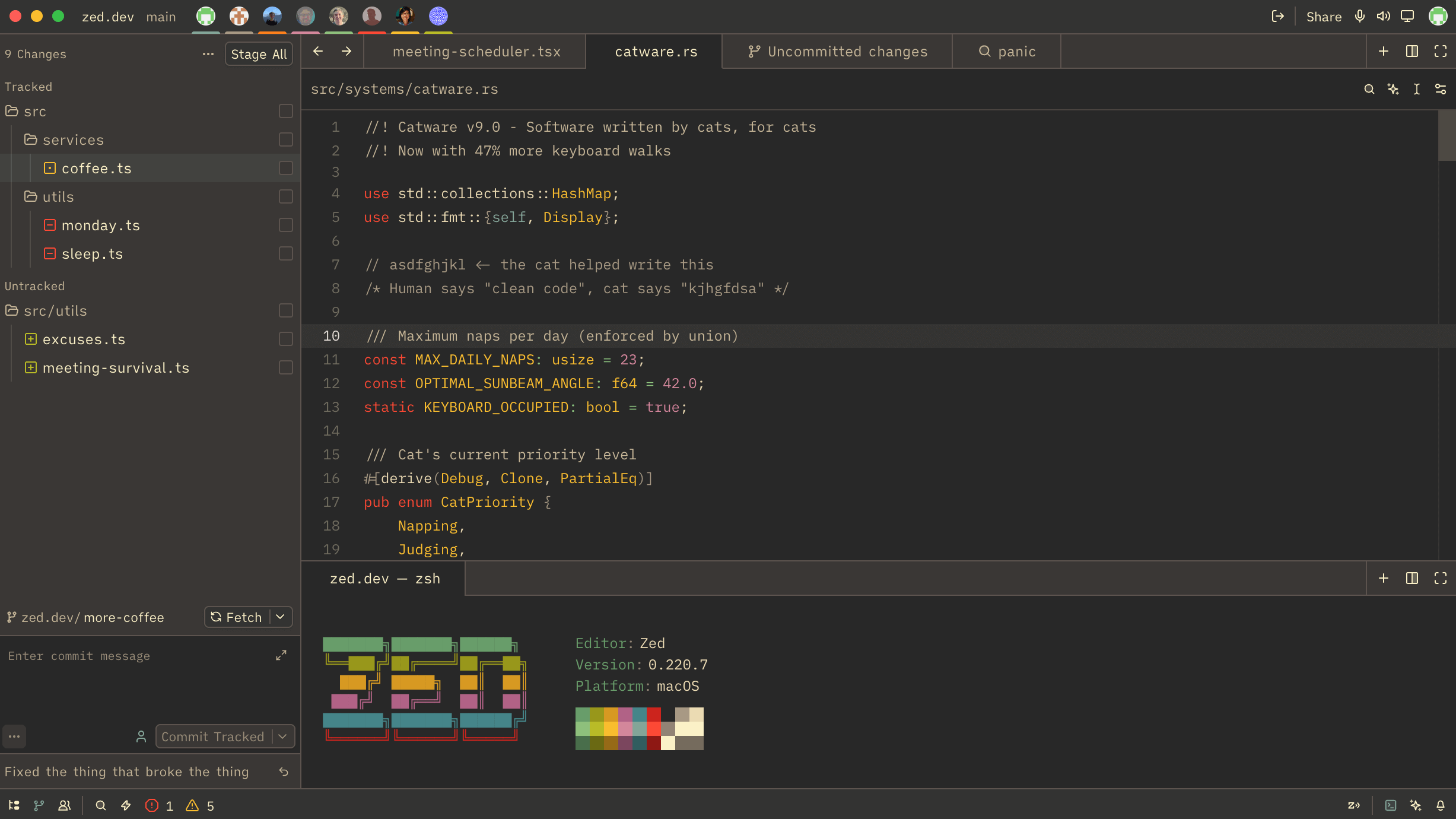
Build Custom Themes with Theme Builder
Create and customize your perfect Zed theme visually
Build a Complete Vim Power User Workflow in Zed
Master keyboard-driven editing with leader keys, motions, and efficient navigation
Navigate Code with Vim Tag Stack
Jump through definition history with dedicated tag navigation commands
Instant Auto-Save Like JetBrains IDEs
Save files immediately on every change without any delay
Auto-Generate Go Struct Tags
Instantly add JSON tags to Go structs with a single task
Interrupt Agent Threads with ESC
Press ESC anywhere in the agent panel to stop a running thread
Monitor Agent Performance with Turn Statistics
Track tokens, time, and turns in real-time for better AI interaction insights

Track Code Changes Made by Agent
See exactly how many lines the agent added or removed in each file
Unified Git Picker for Branches, Worktrees, and Stashes
Access all your Git entities from one convenient picker interface
Open Local Terminals in Remote Projects
Run local build tools and scripts while working on remote projects
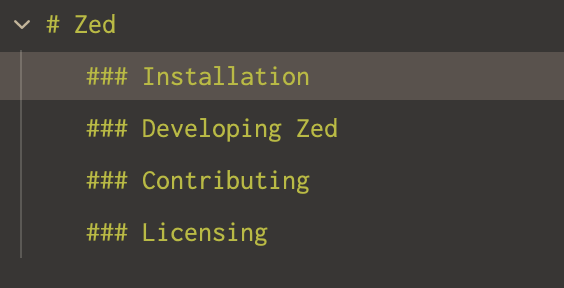
Navigate Markdown with Structured Outlines
Hierarchical heading outline for better Markdown file navigation
Display Pinned Tabs in a Separate Row
Give your working tabs full horizontal space by separating pinned tabs
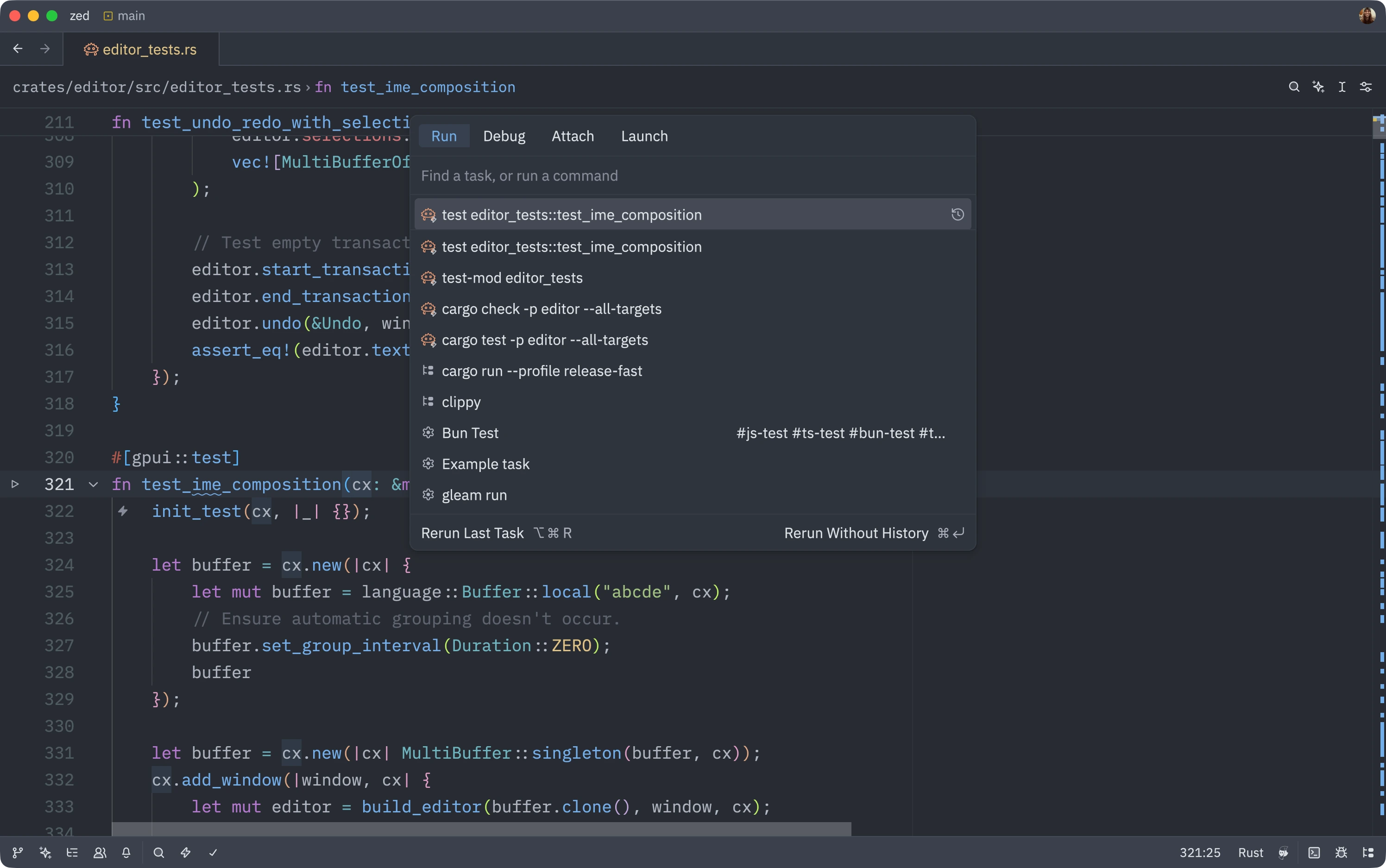
Adjust Task Commands on the Fly
Modify task commands before running them for quick iterations
AI Commit Messages with Custom Rules
Generate commit messages that follow your team's conventions
Auto-save on Focus Change
Automatically save files when switching between editor and terminal
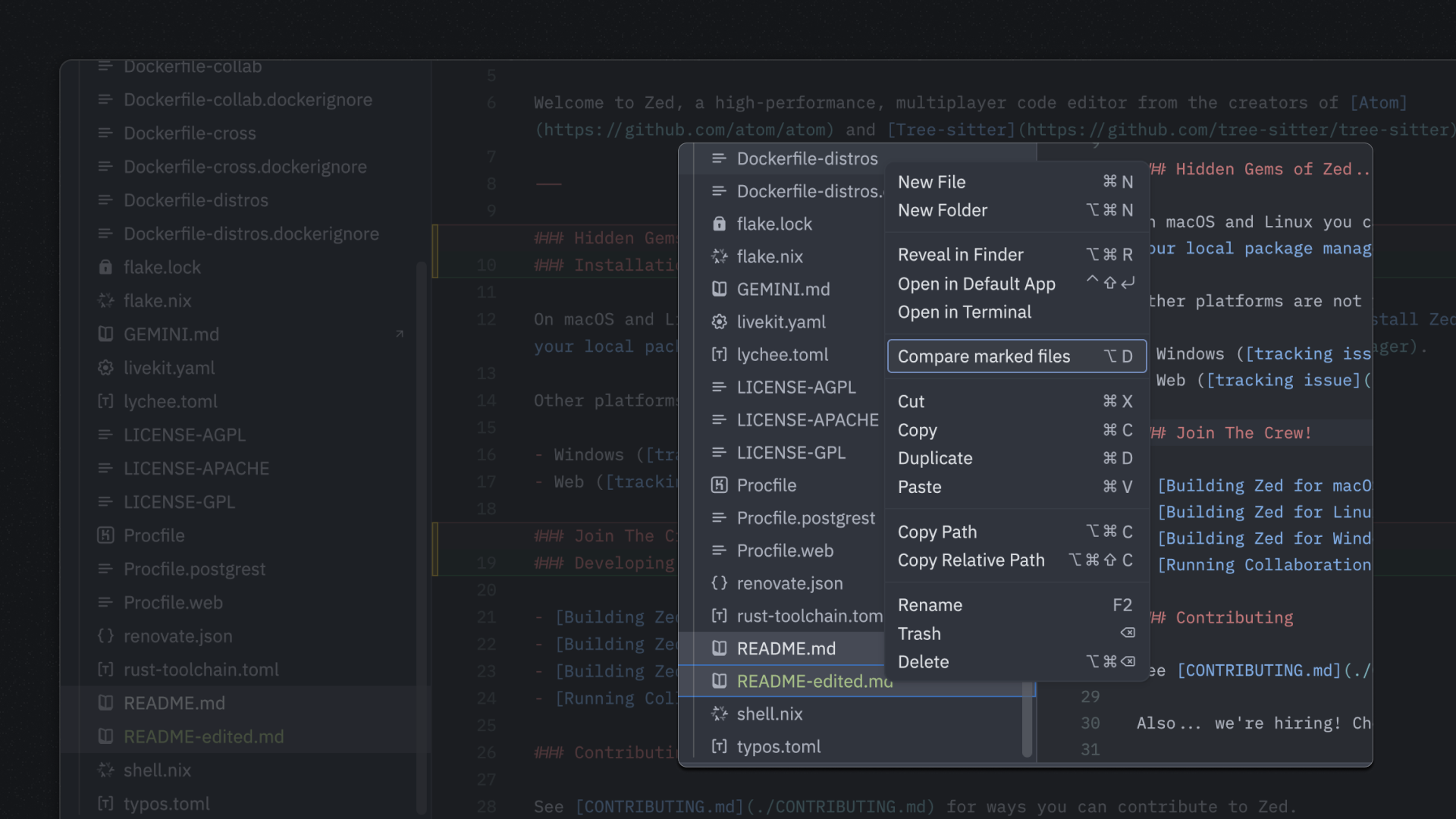
Compare Marked Files
Compare two files side-by-side using the project panel context menu
Develop in Containers with Dev Containers
Consistent development environments using DevContainer configuration
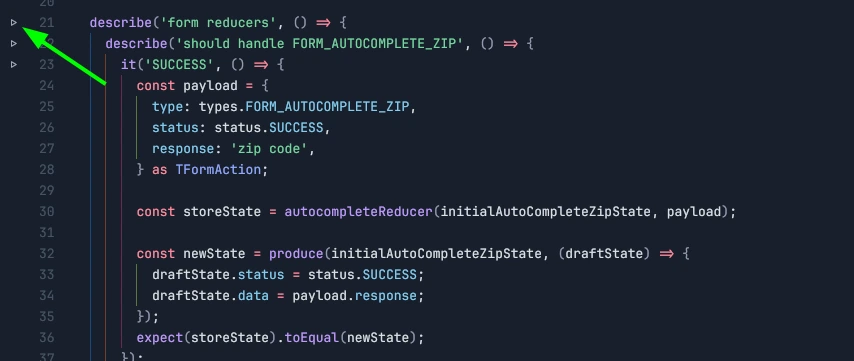
Add Run Buttons for Bun Tests
Configure test runner tasks to get inline run buttons in test files
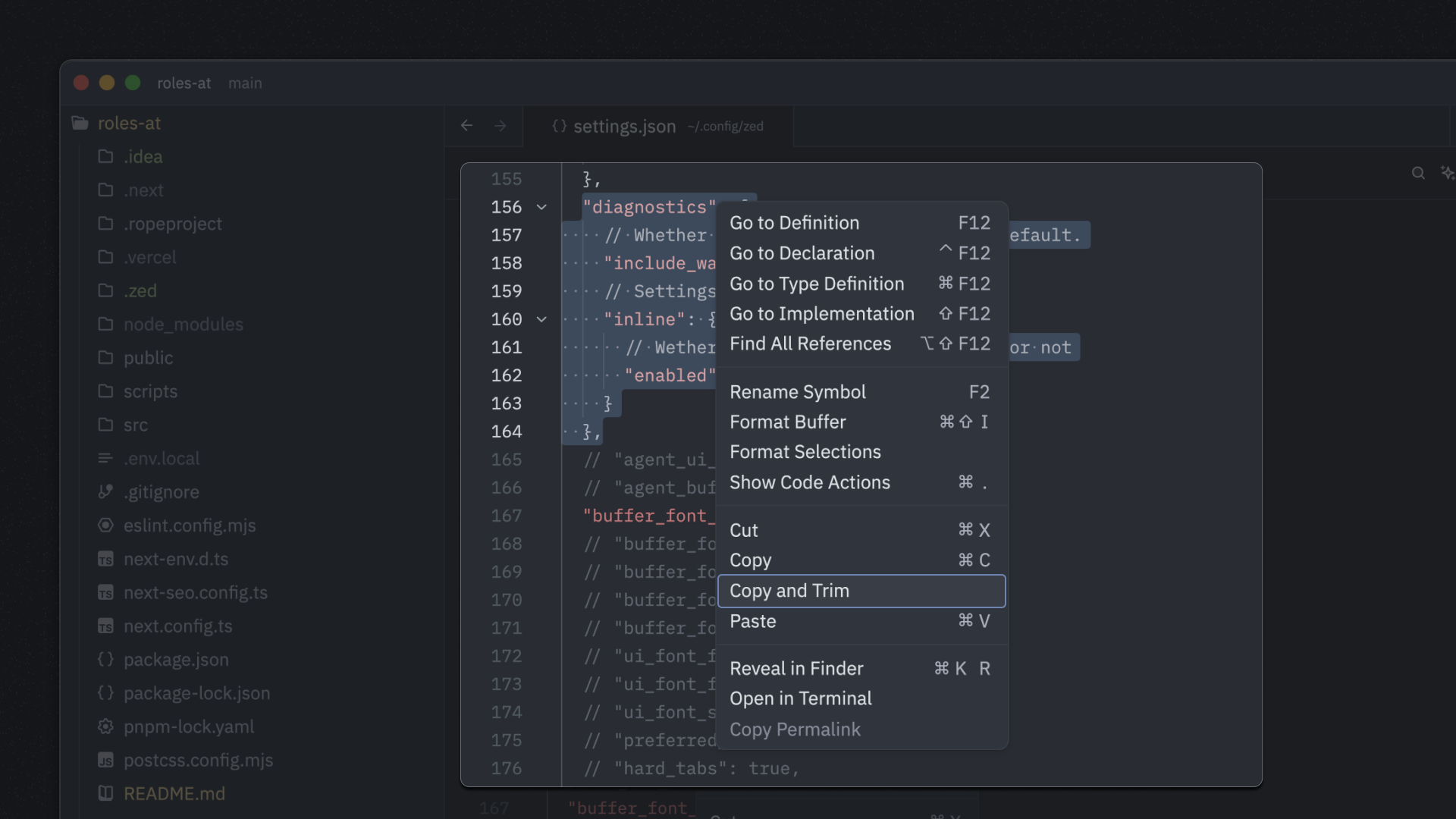
Copy and Trim Indentation
Copy selected text with leading whitespace automatically trimmed
Force Touch for Go-to-Definition on macOS
Use trackpad pressure to jump to symbol definitions
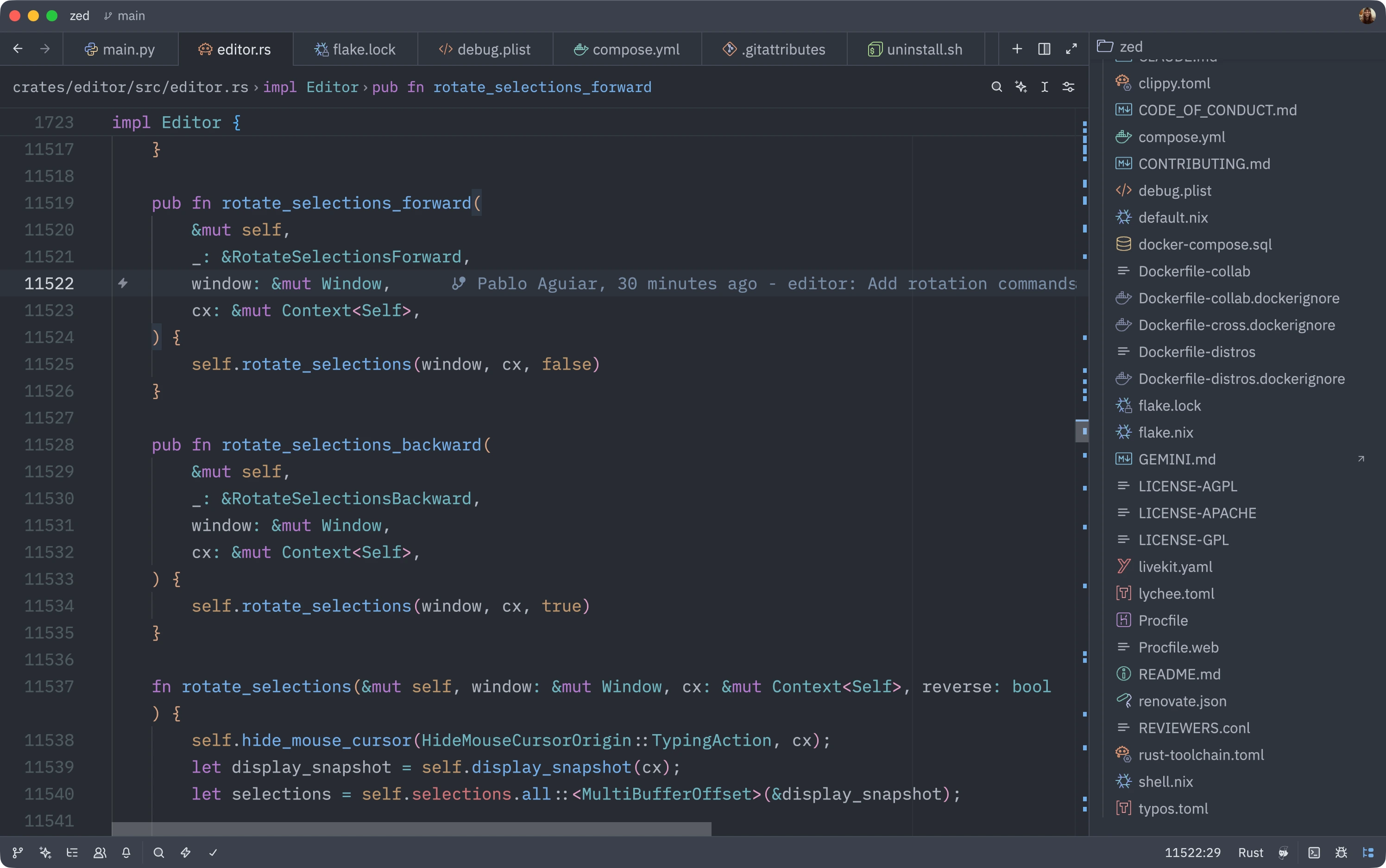
Add Colorful File Icons with Catppuccin
Install the Catppuccin Icons extension for vibrant, colorful file icons in your project panel
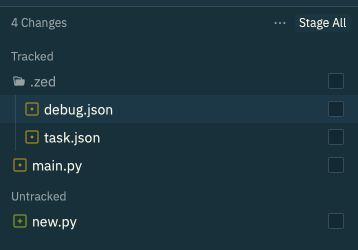
Tree View in Git Panel
Navigate changed files in a hierarchical tree structure

Run Lazygit as a Task
Launch lazygit in Zed's terminal for a powerful Git workflow
Map Unknown File Types to Languages
Get syntax highlighting for custom file extensions by mapping them to known languages
Open Files in a New Pane
Quickly split your workspace by opening files in a new pane with a modifier key
Select All Regex Matches
Create multiple cursors on all regex pattern matches instantly
Split Selection Into Lines
Instantly create a cursor on every line in your selection
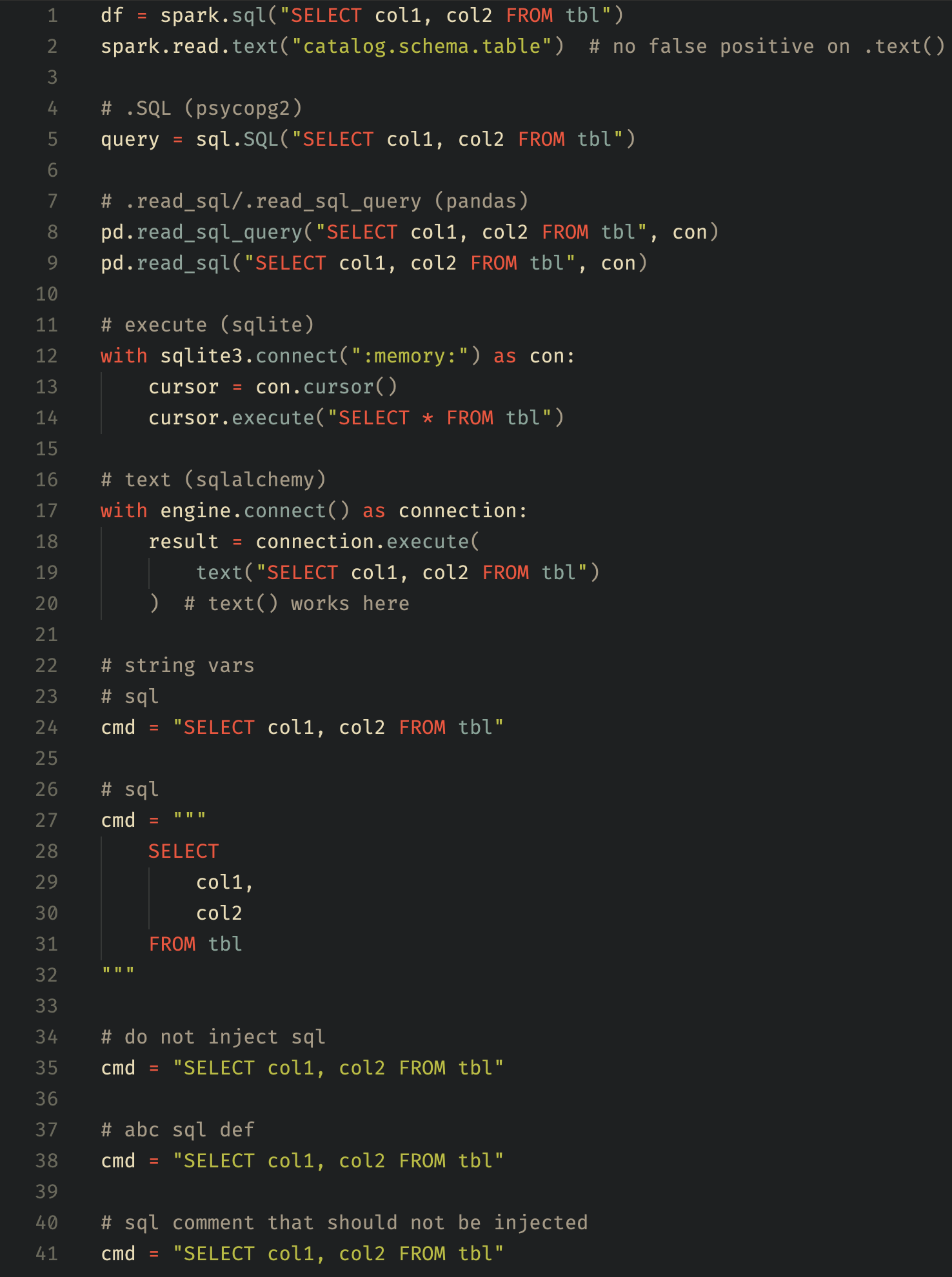
SQL Syntax Highlighting in Python
Better readability for SQL queries embedded in Python code
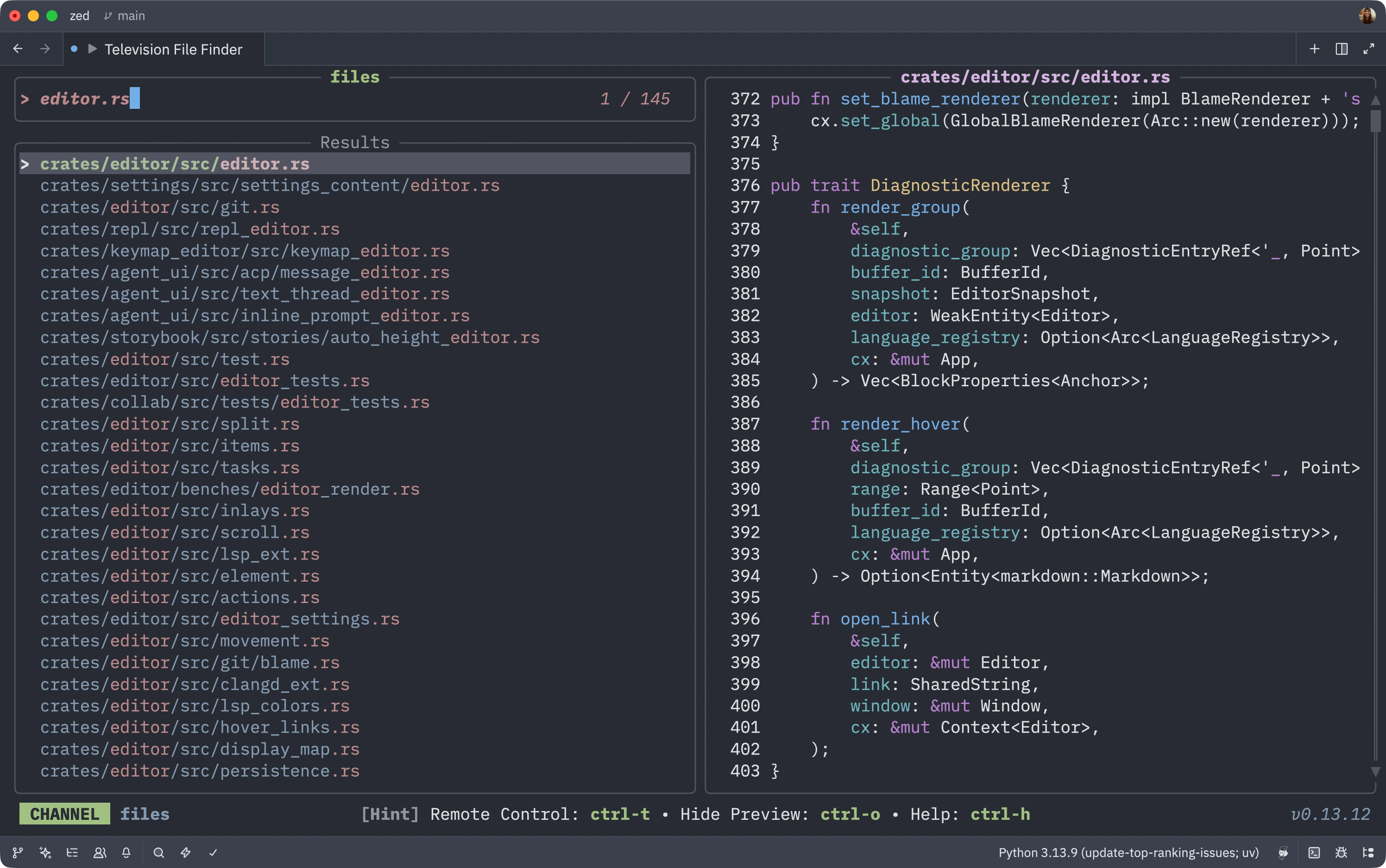
Use Television as a Fuzzy Finder
Emulate Vim's Telescope with the fast Television fuzzy finder tool
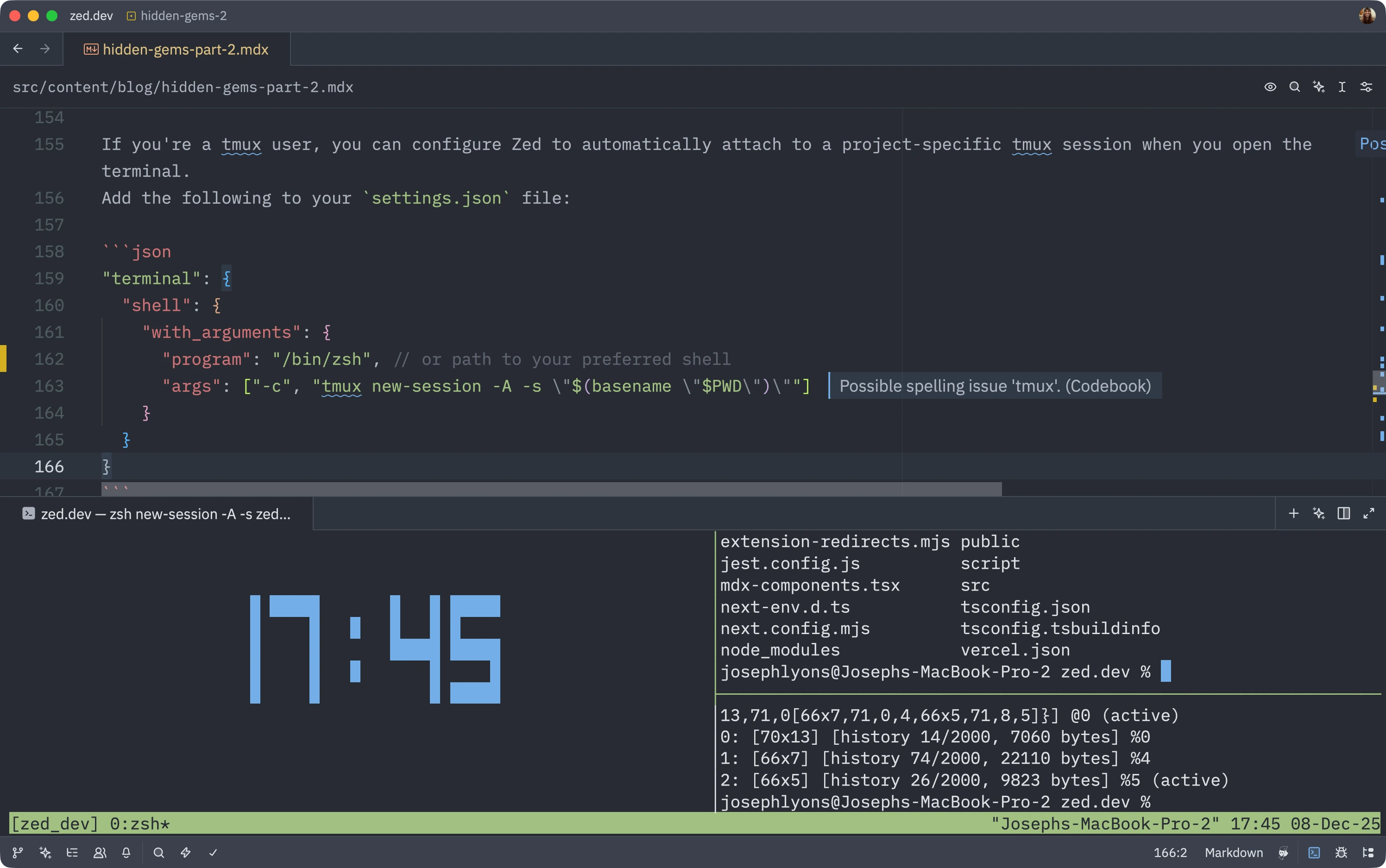
Launch Terminal with tmux Sessions
Automatically start project-specific tmux sessions when opening terminals
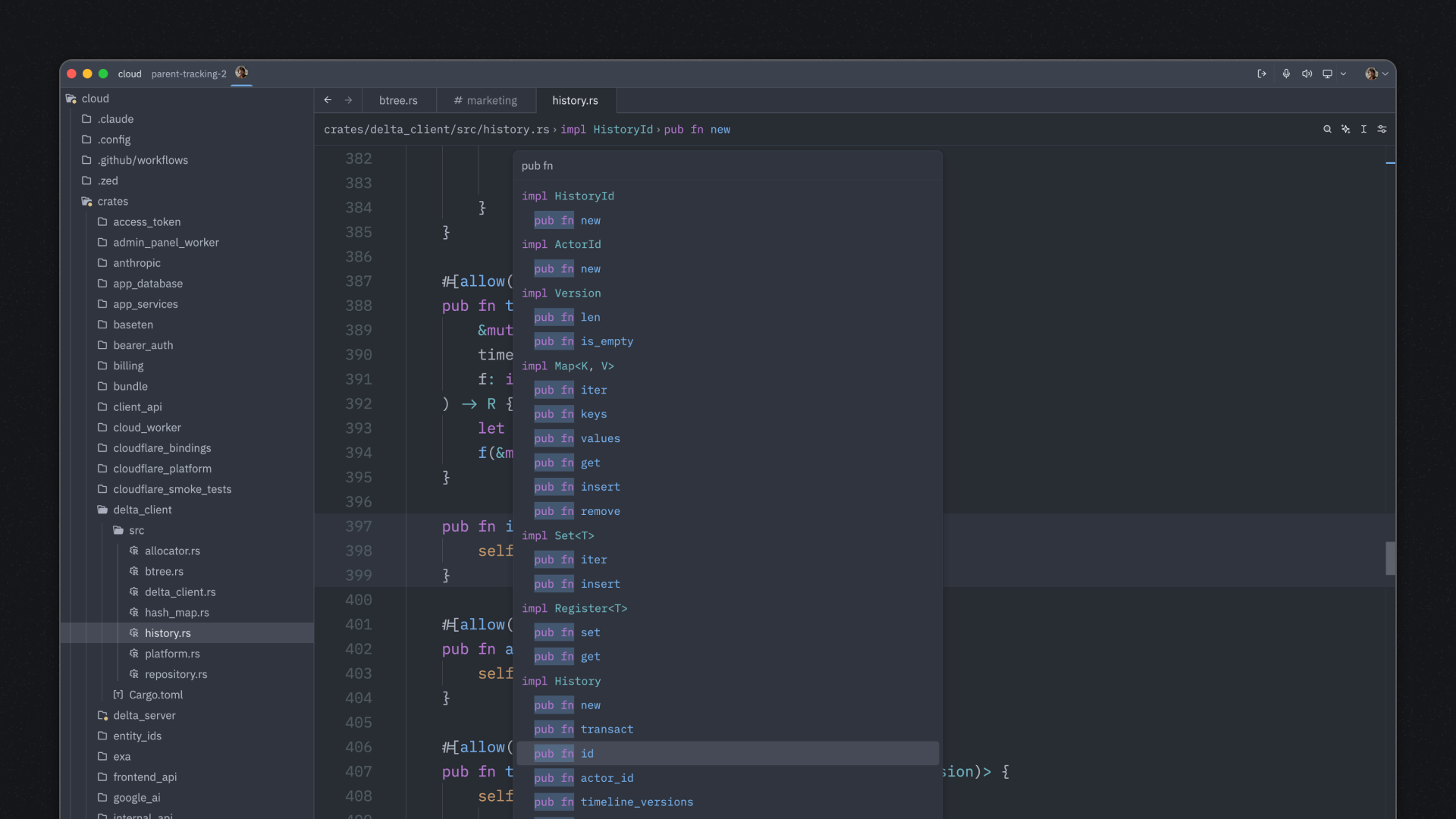
Search by Symbol and Context in Outline
Use spaces in the outline modal to search both symbol names and their containing scopes
Pin Your Favorite AI Models
Quick access to your most-used language models with favorites
Create Pull Requests from Zed
Open PRs directly from the editor without leaving your workflow
Control Language Servers from the UI
Restart or stop individual LSPs without terminal commands
Auto-Continue Markdown Lists
Effortlessly create nested lists with automatic continuation
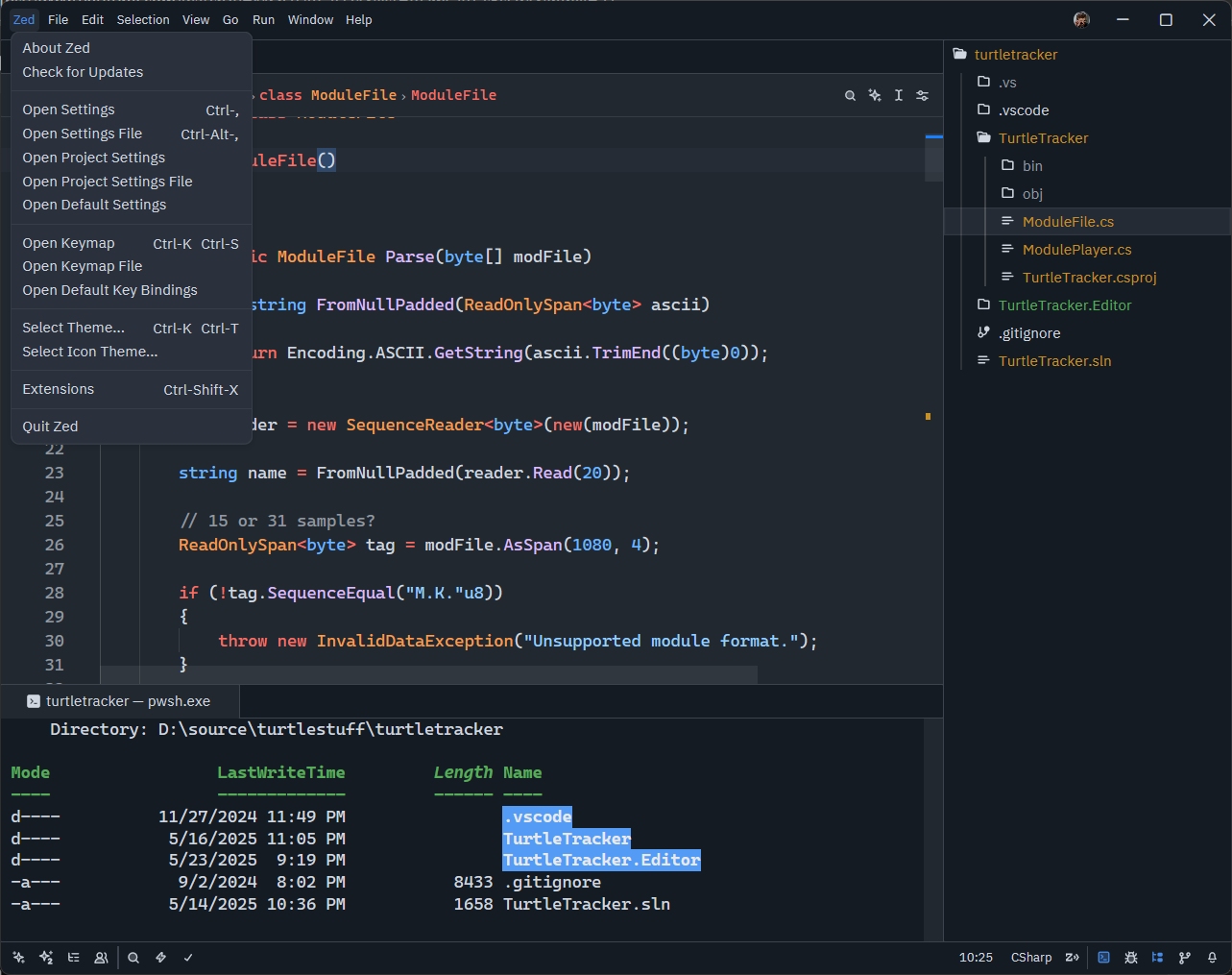
Crisp Text with Subpixel Rendering
Improve text clarity on standard DPI displays with ClearType-style rendering
Discover Keybindings with Which-Key Modal
Never forget your custom keybindings with this Vim-inspired helper