
February 2026
Discover all the Zed editor tips and techniques from February 2026
Agent Threads Survive Editor Restarts
Your AI conversations now persist across Zed sessions automatically
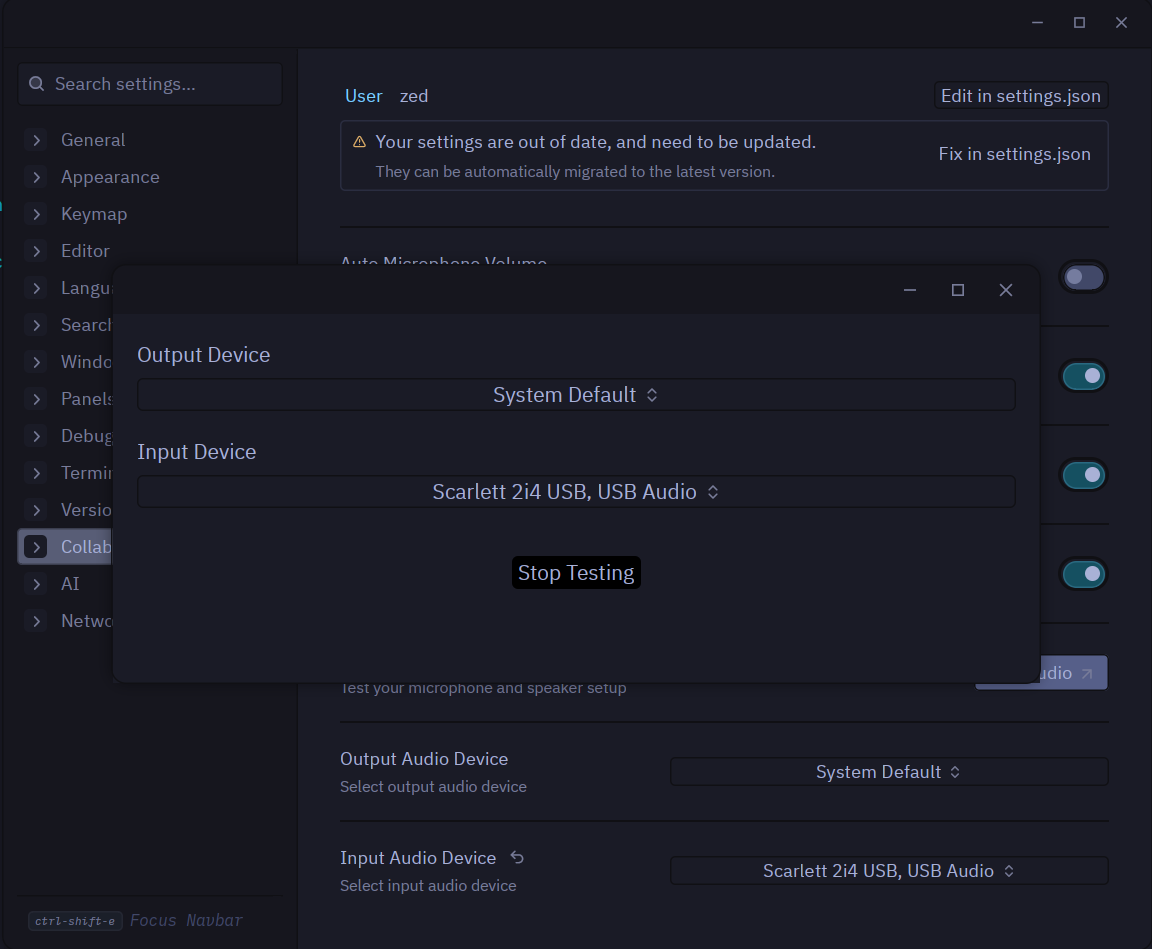
Select and Test Audio Devices for Collaboration
Choose specific microphones and speakers for Zed's built-in collaboration
Initialize Git Repositories with One Click
Turn any folder into a Git repository directly from the Git panel
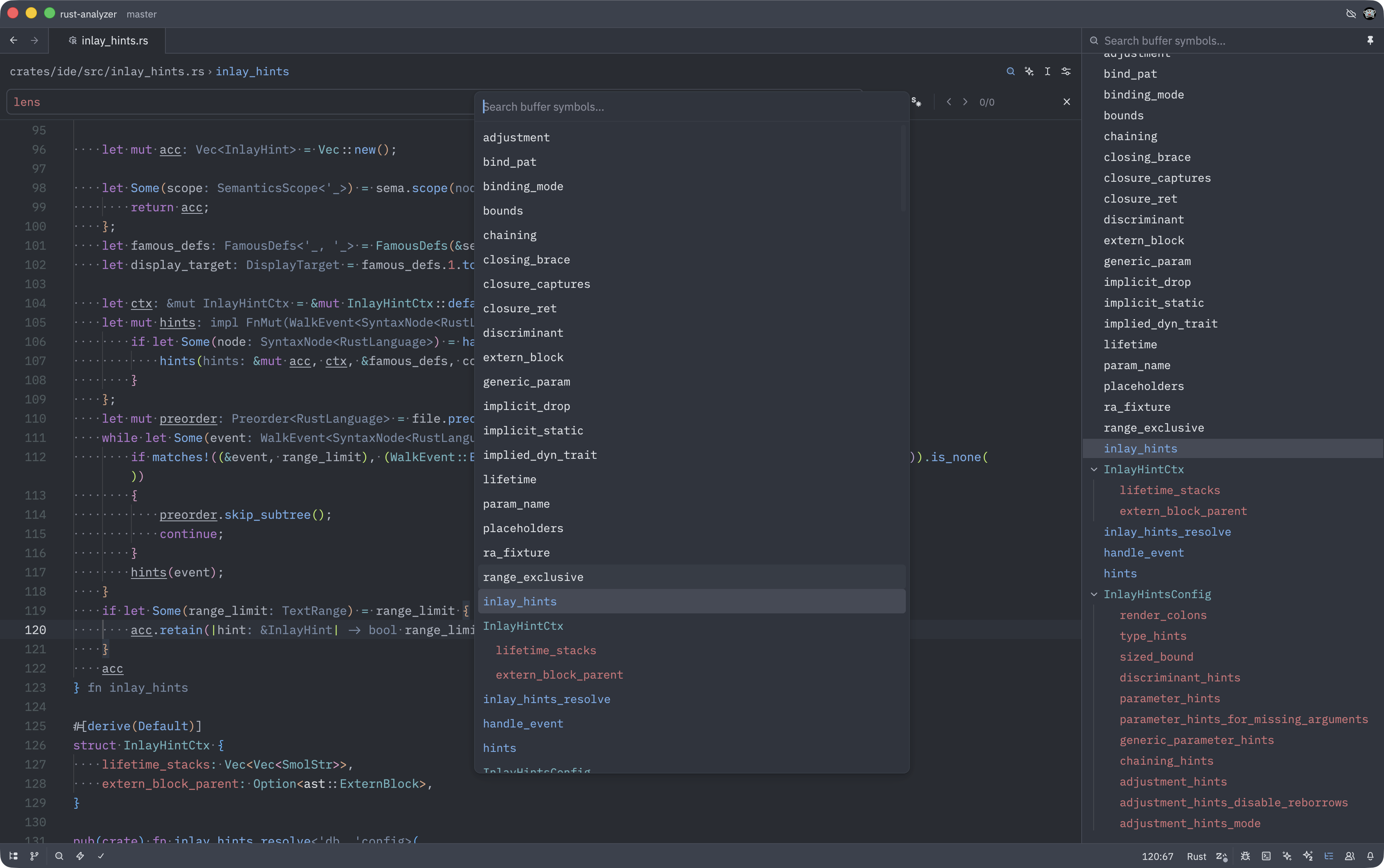
Use LSP Document Symbols in Breadcrumbs and Outline
Switch from tree-sitter to LSP for more accurate code navigation
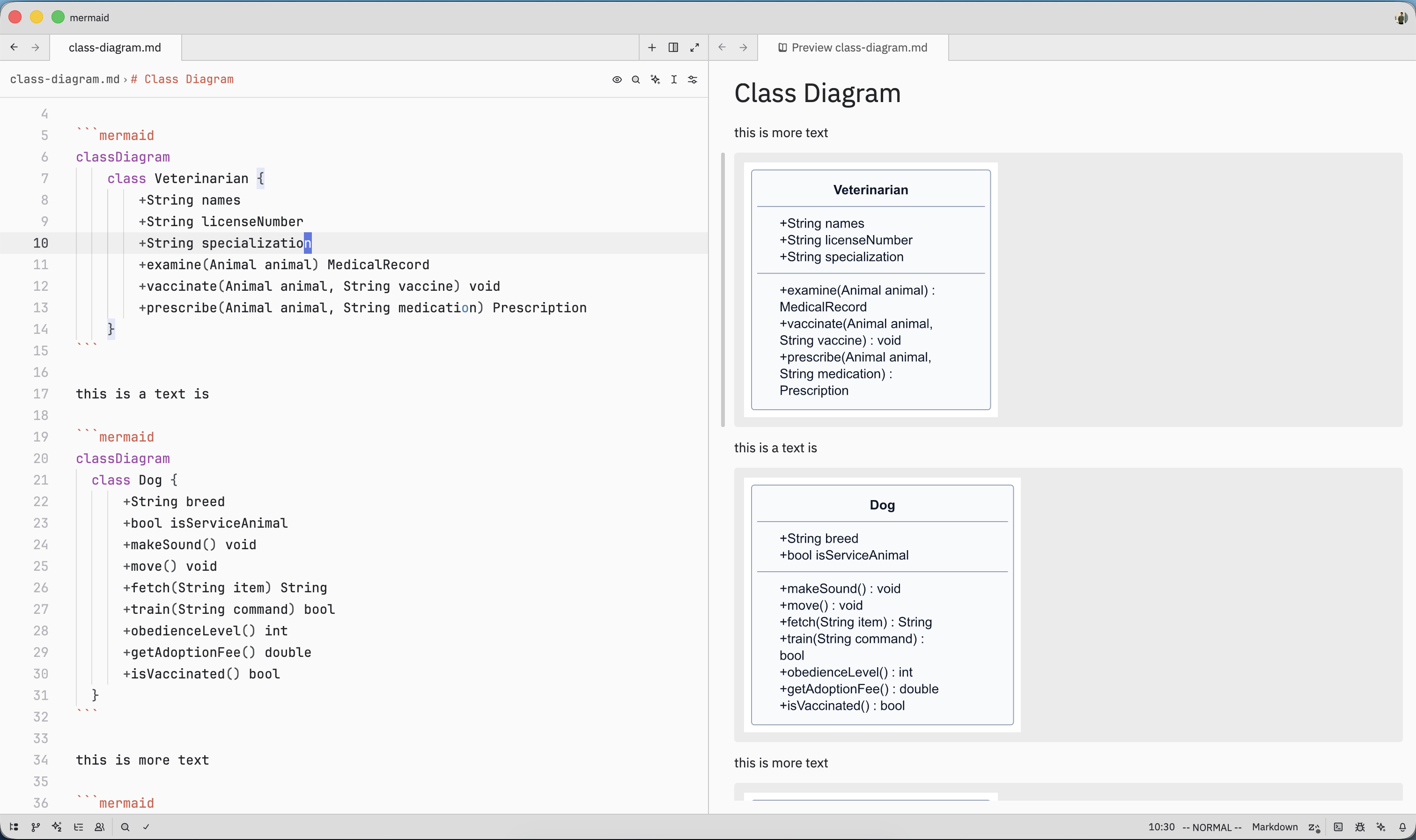
Render Mermaid Diagrams in Markdown Preview
Visualize flowcharts, sequences, and diagrams directly in your markdown files
Sticky Diff Hunk Controls Stay Visible
Keep diff controls accessible even when viewing large changes
Control AI Thinking Effort Levels
Adjust how deeply your AI agent reasons through complex problems
Toggle Any Panel with Dedicated Actions
New toggle commands for every panel make custom keybindings easier
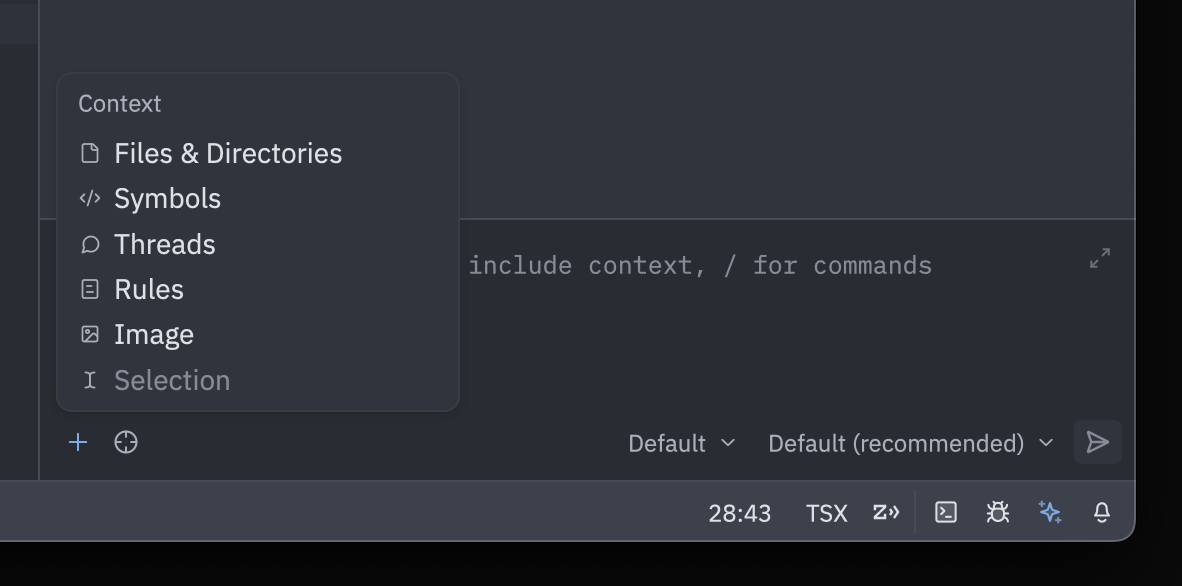
Agent Context Menu for Quick Additions
Add context to agent with mouse-friendly dropdown menu
Hot-Exit for Empty Workspaces
Unsaved files in empty workspaces now restore on startup
Zoom and Pan in Image Viewer
Navigate large images with scroll-wheel zoom and click-drag panning
Reopen Files with Different Encoding
Fix garbled text by selecting the correct encoding from status bar
Extend Selection to Syntax Nodes
Select to syntax node boundaries for precise code selection
Rename Terminal Tabs
Organize terminals by renaming tabs via right-click or double-click
Vim Global Substitution Default
Make /g the default for substitute commands with vim.gdefault
Vim Relative Line Jumping
Jump to lines relative to cursor position with +/- syntax