
January 2024
Discover all the Zed editor tips and techniques from January 2024
Multi-cursor Magic: Edit Multiple Lines Simultaneously
Master the art of multi-cursor editing to boost your productivity
Smart Code Navigation
Jump to definitions, files, and symbols with lightning speed
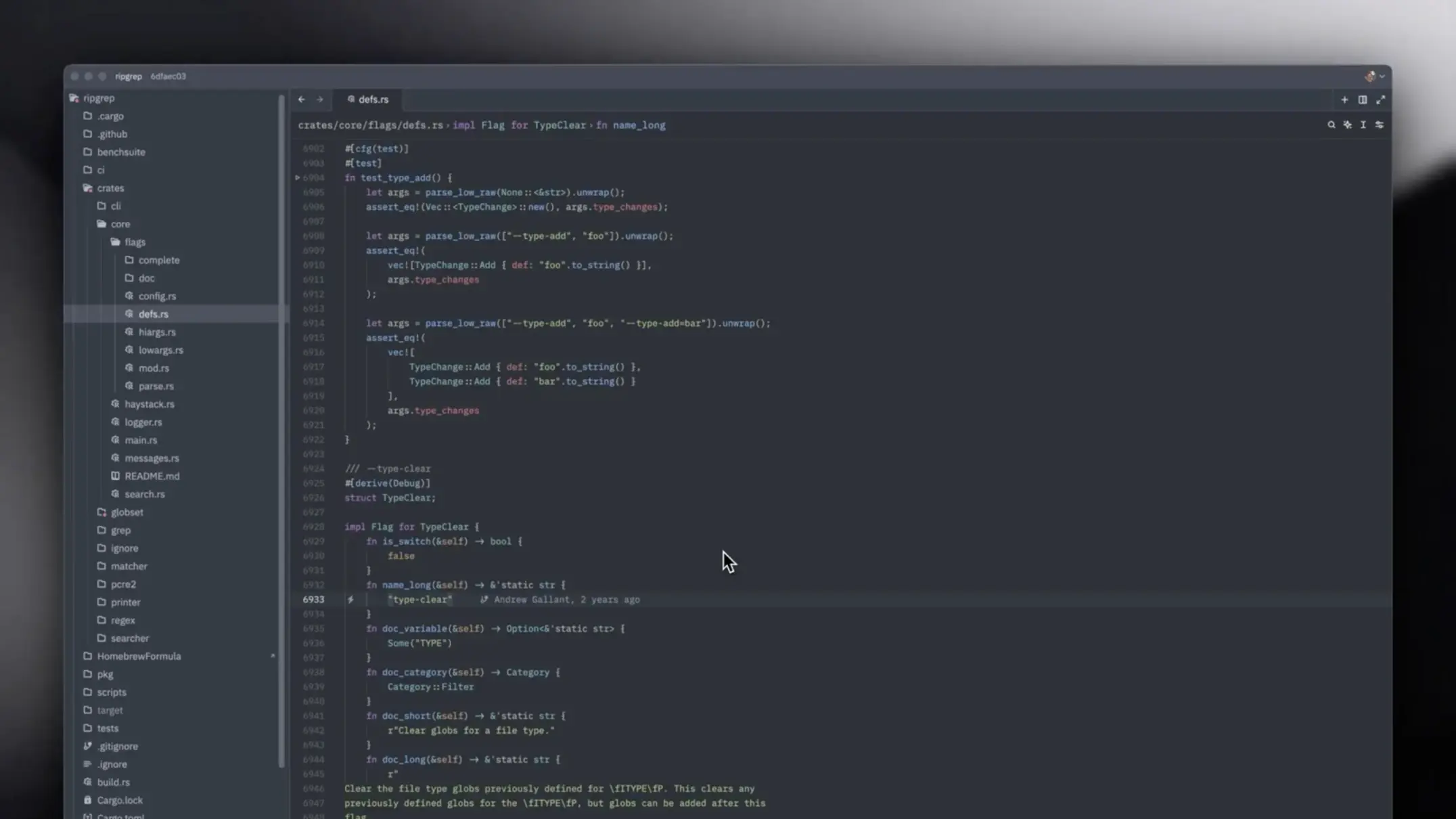
File Search Mastery
Learn to quickly find and open files in large projects using fuzzy search and filters
Customizing Your Theme
Make Zed feel like home by personalizing your editor with custom themes and color schemes
Advanced Search Techniques
Master regex patterns, multi-file search, and advanced filtering to find exactly what you need in massive codebases
Essential Keyboard Shortcuts
The must-know shortcuts every Zed user should master
Understanding the Interface
Get familiar with Zed's clean interface. Learn about panels, sidebars, and how to navigate the workspace efficiently
Plugin Development Guide
Learn to create your own Zed plugins from scratch. Understand the plugin architecture, APIs, and best practices
Git Integration Mastery
Leverage Zed's Git features to manage branches, view diffs, stage changes, and commit without leaving the editor